
Noah Morris
Co-Founder

Best AI Voice Over Generator For YouTube Videos In 2026
Why YouTube Creators Are Switching To AI Voice Over For YouTube
A lot of YouTube creators are switching to AI voiceovers because recording your own voice isn’t as easy as it sounds. You might feel awkward talking into a mic, mess up lines, or spend hours trying to get the perfect take. And if English isn’t your first language, or you don’t like your accent, it can hold you back even more. AI voiceovers remove all of that stress. You just paste your script, click a button, and you instantly have a clean, clear voice ready to go. That is why many creators now start with an AI voice generator instead of recording everything themselves.
Another big reason is consistency. When you rely on your own voice, your energy changes depending on your mood, time of day, or even how tired you are. But with AI, every video sounds just as good as the last one. This is especially useful if you’re trying to grow fast and post often. It lets creators focus more on ideas, storytelling, and editing instead of worrying about recording again and again.
How AI Voiceover For YouTube Videos Saves Time And Money
Think about how long it actually takes to record a voiceover. You write the script, then record it, make a couple mistakes, re-record parts, edit out mistakes, fix audio issues… it adds up fast. With AI voiceover, you skip almost all of that. You can generate a full voiceover in minutes, and if you want to change something, you just edit the text instead of recording everything again. That alone can save hours on every single video.
It also saves money, especially if you were planning to hire voice actors or buy expensive equipment. Good microphones, soundproofing, and editing software can cost a lot. And if you outsource voiceovers, you’ll keep paying for every video. AI voice tools are usually much cheaper and sometimes even free to start. So instead of spending money on voice recording, you can invest it into better visuals, ads, or growing your channel.
Why AI Narration For YouTube Videos Sounds So Real Now
AI voices used to sound robotic and unnatural, and that’s why a lot of people avoided them. But now, the technology has improved a lot. Modern AI voices can copy real human speech patterns, like pauses, tone changes, and even emotion. That’s why when you listen to some videos today, you can’t even tell if it’s a real person or AI unless someone tells you.
Another reason they sound so real is the variety. You’re no longer stuck with one boring voice. You can choose different styles: calm, energetic, deep, friendly, depending on your content. Some tools even let you control how the voice sounds by adjusting speed or tone. This makes it easier to match the voice with your video style, which keeps viewers more engaged and makes your content feel more professional.
What To Look For In A YouTube Voiceover Generator Before You Choose One
Voice Quality, Pacing, And Natural Sound
The most important thing is how the voice actually sounds. If it feels robotic or flat, people will click off your video fast. A good AI voice should sound smooth, clear, and human-like, with natural pauses and flow. It shouldn’t feel like it’s just reading words, it should feel like it’s telling a story.
Pacing is just as important. Some voices talk too fast, others too slow. You want something that matches your content. For example, storytelling videos need slower, more emotional pacing, while tutorials can be more direct and faster. A good tool lets you adjust speed and tone so the voice fits your style instead of forcing you to adapt.
Language Support, Accents, And Voice Styles For Your Channel
If your audience is global, language options matter a lot. You might want to create content in different languages or test new audiences. A good AI tool gives you that flexibility without needing to hire different voice actors every time. This opens up way more growth opportunities.
Accents and voice styles also make a big difference. Some channels do better with a deep, serious voice, while others need something more friendly and casual. Having options lets you match the voice to your niche. It also helps your channel feel more unique instead of sounding like everyone else using the same default voice.
Export Options, Pricing, And Editing Features
Once your voiceover is ready, you want to download it quickly and in good quality. Some tools limit exports or lower the quality unless you pay more, which can be frustrating. Look for something that gives you clean audio files that are ready to drop into your video without extra work.
Pricing matters too, especially if you’re posting a lot. Some tools charge per minute, others have monthly plans. You need to pick what fits your budget and how often you upload. Also, simple editing features like trimming, re-generating parts, or fixing small mistakes can save you a lot of time instead of starting over every time.
Why VidRush Is The Go-To AI Voiceover Tool For YouTube Creators In 2026
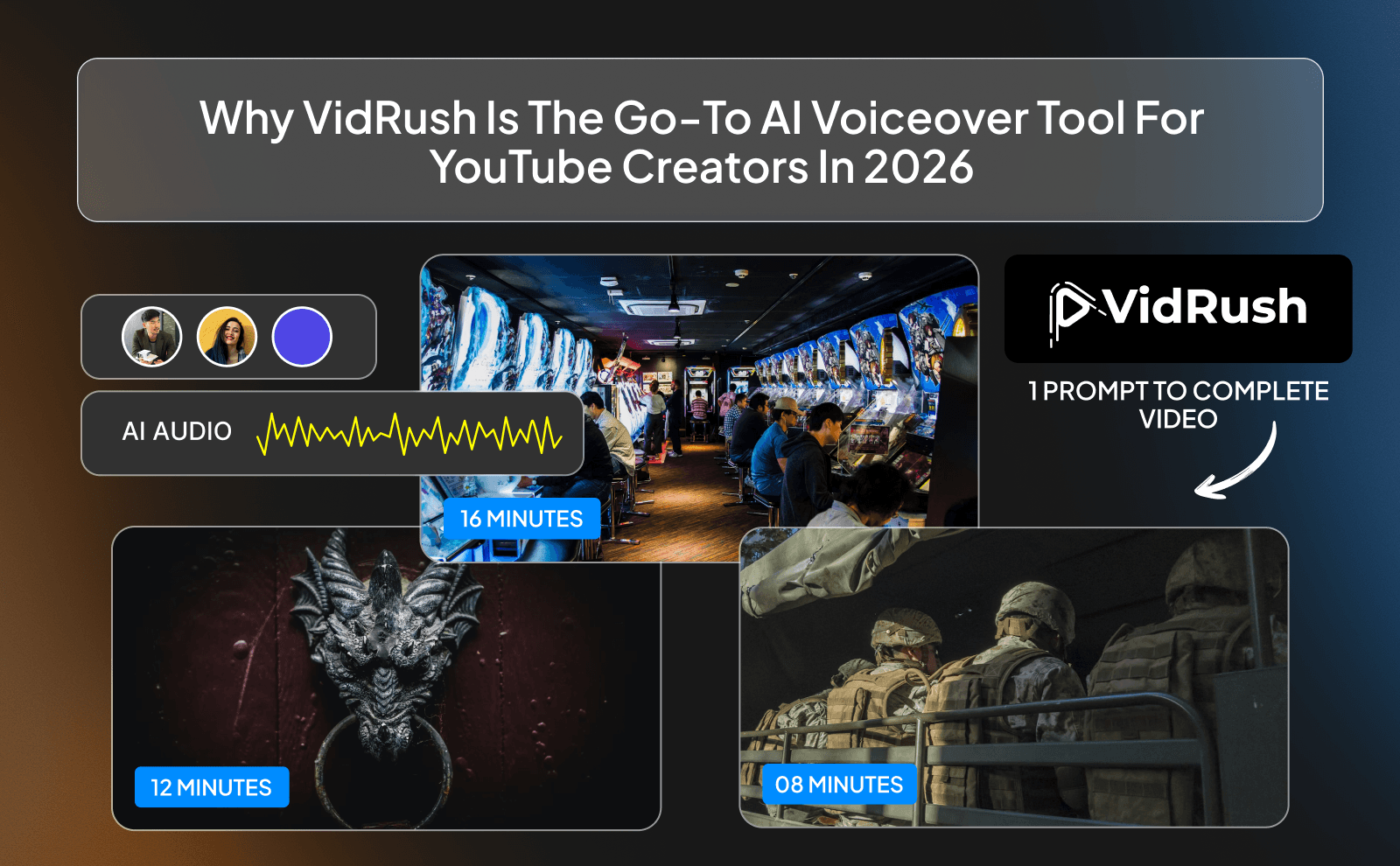
VidRush is becoming popular because it’s built specifically for creators, not just random users. A lot of tools try to do everything, but end up being average at most things. VidRush focuses on making voiceovers fast, simple, and actually useful for YouTube workflows.
Creators like it because it removes friction. You don’t have to figure things out or spend hours learning the tool. Everything feels straightforward, which is exactly what you want when you’re trying to post consistently and grow your channel.
How VidRush Makes AI Narration For YouTube Videos Quick And Easy
With VidRush, the process is very simple. You paste your script, choose a voice, and generate the audio in seconds. If something sounds off, you just tweak the text or settings and regenerate that part. No re-recording, no complicated editing.
This makes it perfect for creators who want speed. Instead of spending hours on voiceovers, you can finish them in minutes and move on to editing or uploading. It keeps your workflow smooth and helps you stay consistent.
What Makes VidRush The Best AI Voice For Faceless Videos
Faceless videos rely heavily on voice to keep people watching. Since there’s no person on screen, the voice has to carry the video. VidRush stands out because its voices sound natural and interesting enough to hold attention.
It also gives you different styles, so you can match the voice to your niche. Whether you’re doing storytelling, facts, or tutorials, you can pick a voice that fits. This makes your videos feel more professional without showing your face.
How VidRush Helps YouTube Creators Save Time With Built-In Automation
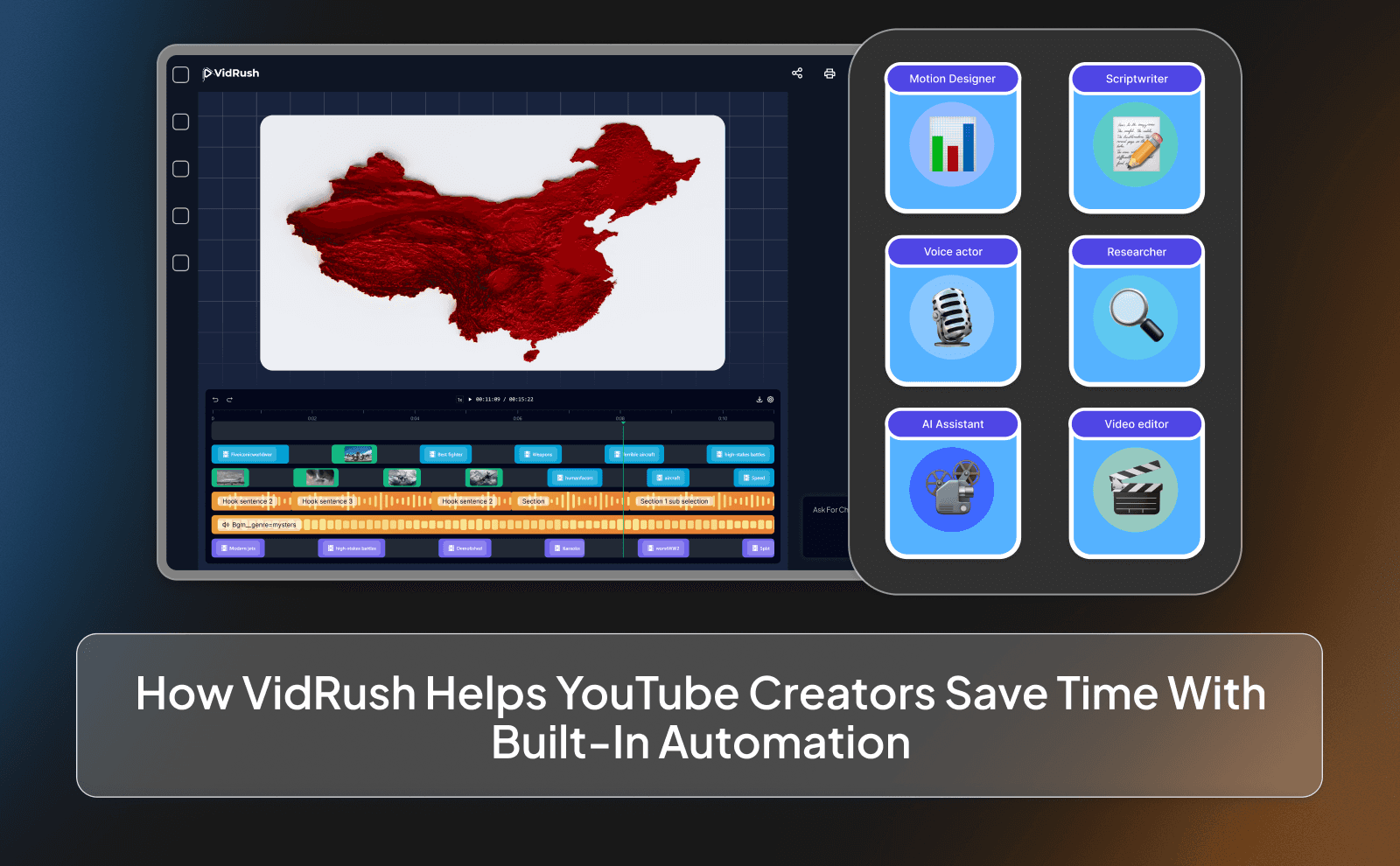
One of the biggest advantages of VidRush is automation. Instead of doing everything manually, you can speed up parts of your workflow. This is huge if you’re trying to post multiple videos a week.
Automation helps you focus on what actually matters: generating ideas and creating viral content. The less time you spend on small tasks like voice recording, the more videos you can produce. And more videos usually means more chances to grow.
Top AI Voice Over Generators That Work Best For YouTube Creators
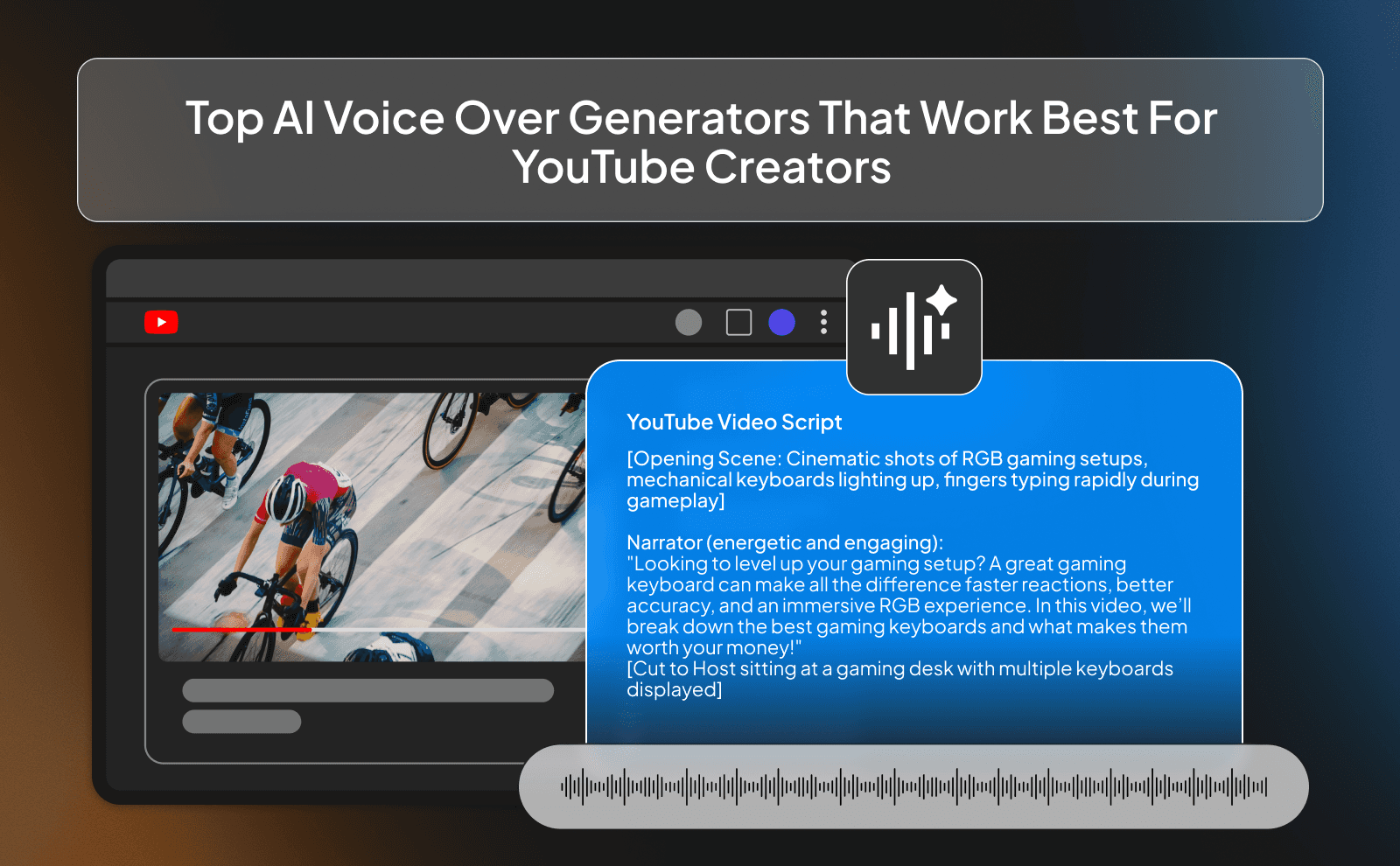
Best AI Voice For YouTube Channel With Long-Form Content
For long videos, voice quality matters even more. If the voice is annoying or unnatural, people won’t stay for 10–15 minutes. You need something smooth and easy to listen to for long periods. A good long-form voice should sound calm and clear, without being boring. That balance is what keeps people watching longer.
Best AI Voice For Faceless YouTube Channels And Tutorials
Faceless channels need voices that are clear and direct. If you’re explaining something, the voice should be easy to understand without distractions. A clean, confident tone works best here. For tutorials, the pacing of the video is everything. The voice shouldn’t rush through steps, but it also shouldn’t drag too much. The middle is the sweet spot.
Best Voiceover Generator For YouTube Creators On A Budget
If you’re just starting, you don’t need to spend a lot. So tools like ElevenLabs and VidRush are good choices for you. These are tools that offer good quality for a low price or even free options to test things out. If you are just testing the waters, choosing the best free AI voice generator can help you start without adding extra cost. This lets you start creating without the pressure.
As your channel grows, you can upgrade. The goal in the beginning is to stay consistent, not perfect. A decent voice is enough so never overcomplicate things.
How To Use Text To Speech For YouTube Videos Step By Step
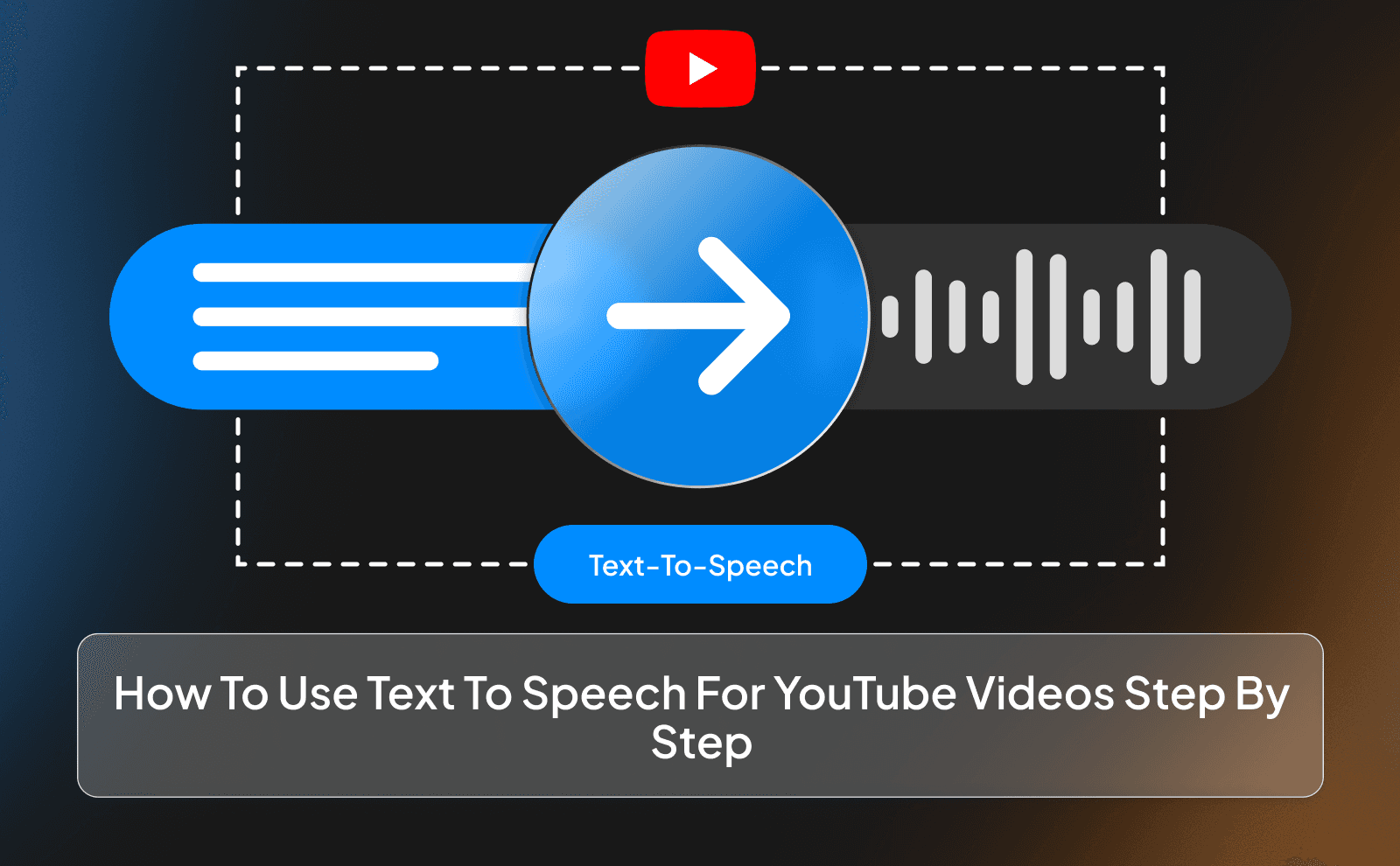
Writing A Script That Sounds Good With AI Narration
When writing for AI, keep your sentences simple and natural. Avoid long, complicated lines because they can sound awkward when read out loud. Write the way people actually speak. It also helps to learn how to write a YouTube script with AI so your narration sounds smoother from the start.
Also, add pauses by breaking lines or using punctuation. This helps the voice sound more human. A good script makes a huge difference, even more than the voice itself. An AI script generator can also help you turn rough ideas into a clearer voiceover-ready draft.
Choosing The Right AI Narrator For YouTube And Adjusting Settings
Start by testing a few voices and see what fits your style. Don’t just pick the first one. Listen carefully and imagine how it sounds in a full video.
Then adjust speed and tone if needed. Small changes can make a big difference. The goal is to make the voice match your content, not feel out of place.
How Creators Use AI Voice Generator YouTube Automation To Post More Videos
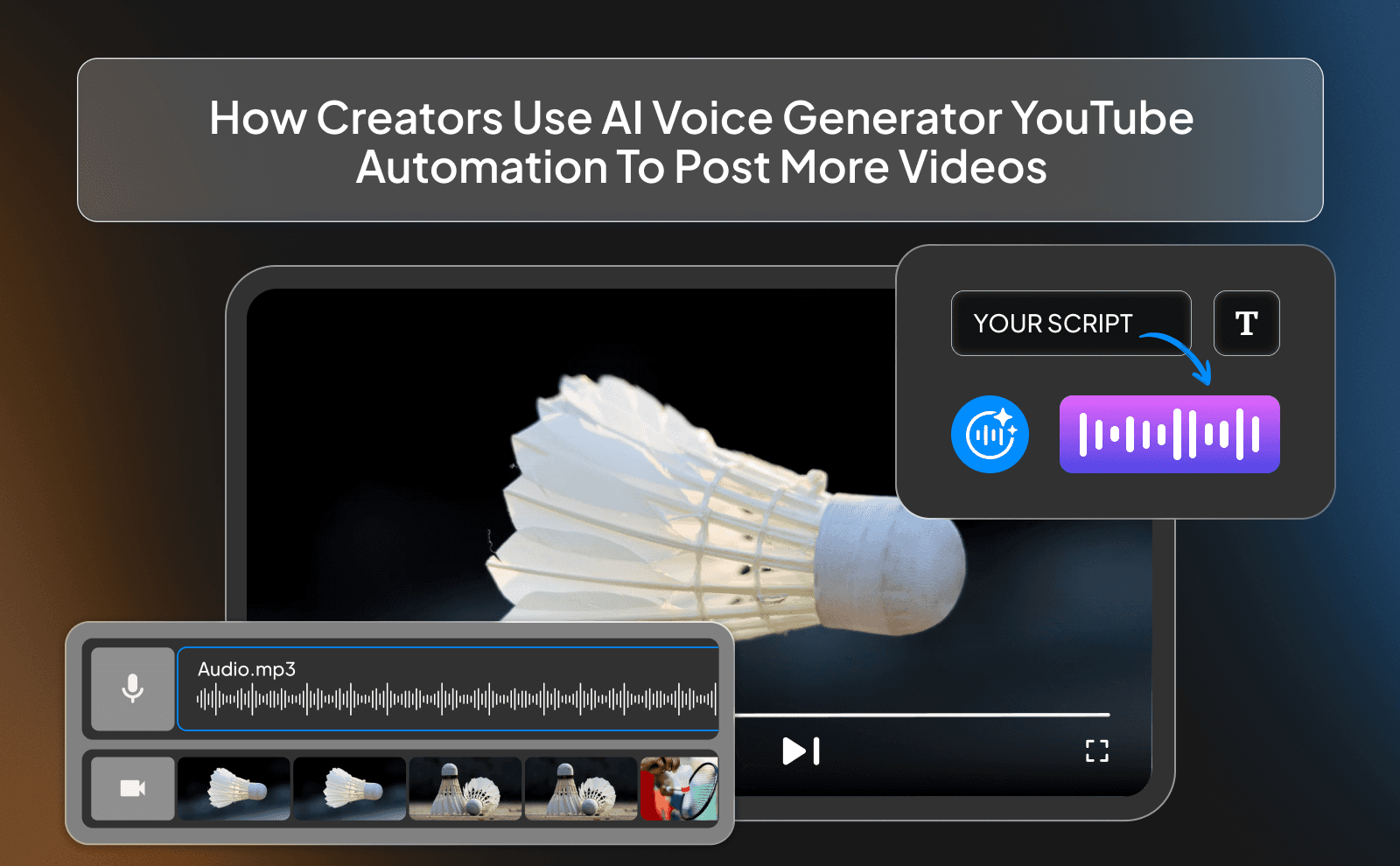
Creators use AI voice tools to remove one of the biggest time blocks: recording. Once that’s gone, they can produce videos much faster and stay consistent.
This is especially useful if you’re trying to grow quickly. The more you post, the more chances you have to go viral or reach new viewers.
Setting Up A Workflow For Faster AI Voiceover Production
A good workflow starts with batching. Write multiple scripts at once, then generate all the voiceovers together. This saves time compared to doing everything one by one.
Then move to editing and uploading in batches as well. This system keeps you organized and helps you produce more content without feeling overwhelmed.
Using AI Voice For Faceless Videos, Shorts, And Batch Content
AI voices are perfect for faceless videos because they replace the need to record yourself. You can focus on visuals and storytelling instead. They also work great for Shorts and batch content. You can create multiple videos quickly and keep your channel active without burning out. Many creators also combine voiceovers with AI tools for faceless YouTube videos to speed up the full production process.
Best AI Voice For Faceless Videos And What Makes Them Stand Out
What Makes A Great AI Voice For Faceless YouTube Channels
Since viewers don’t see a face, the voice becomes the main thing carrying the video. This matters even more when you are building faceless videos with AI and need the narration to hold attention. If it sounds boring, flat, or slightly off, people will click away without even realizing why. That’s why the best AI voices have a natural flow, small pauses, and a bit of emotion. It should feel like someone is actually talking to you, not just reading lines off a screen.
Another thing that matters a lot is clarity and consistency. The voice should be easy to understand from start to finish, with no weird pronunciation or sudden changes in tone. You also want to stick to one voice style across your videos so your channel starts to feel familiar. Over time, people will recognize your content just from the voice alone. And don’t forget pacing. this is something a lot of people ignore. A great AI voice doesn’t rush through important points or drag out simple ones.
Real Examples Of How Faceless Creators Use AI Narration For YouTube Videos
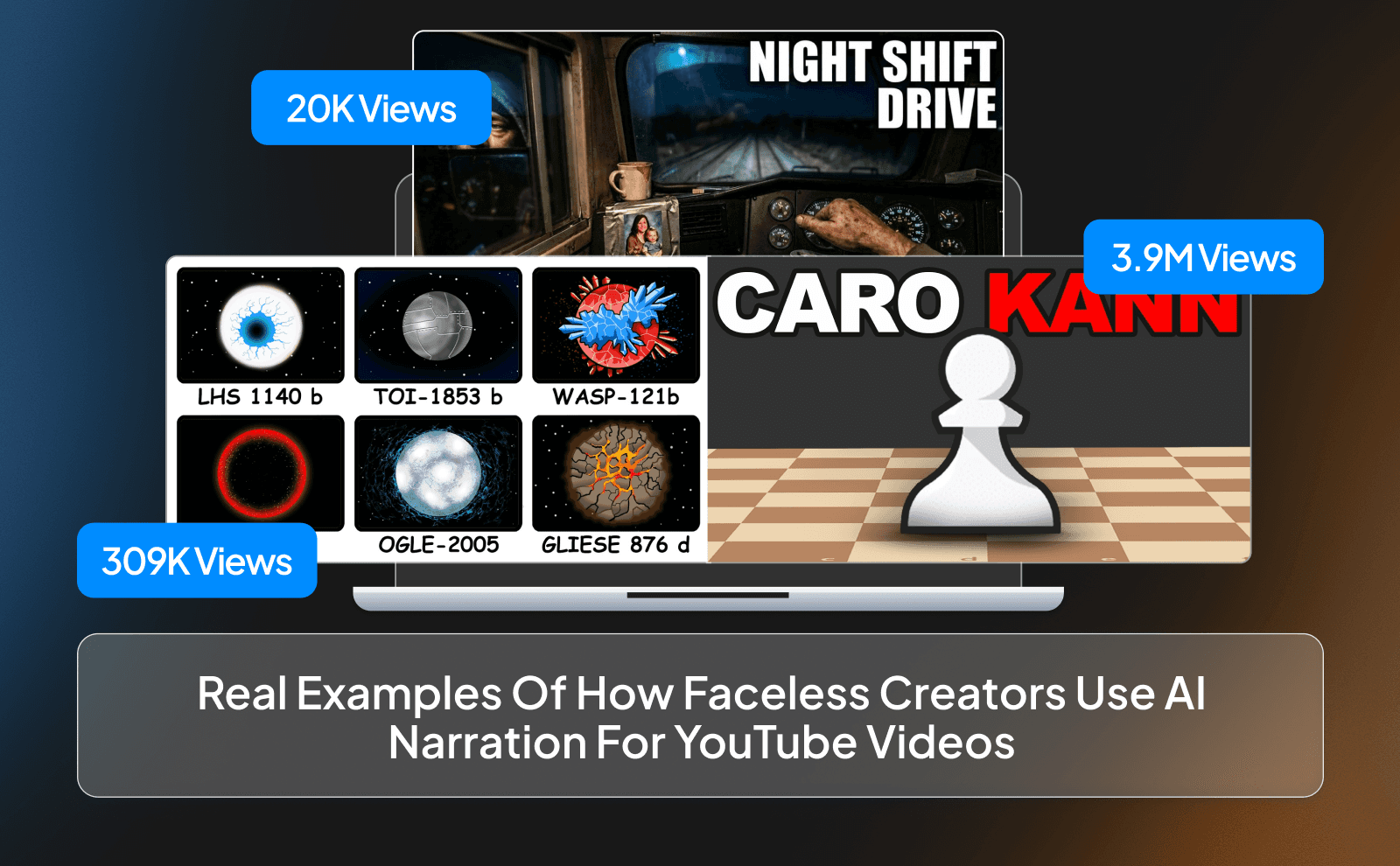
A lot of faceless creators use AI voices for storytelling channels where they talk about history, crime, or interesting facts. In these types of videos, the voice is everything. Like this channel for example that was made entirely using VidRush with a voiceover from the tool itself (Legendary Locomotives). You’ve probably watched videos like this without even realizing the voice wasn’t real. That’s how good the technology has become when it’s used the right way.
Other creators use AI voices for tutorials, explainers, and even motivational content. In these cases, the voice is usually more direct and clear, helping people understand things quickly without confusion. Like this channel for example: (paint explainer) that explains things using paint, or this other channel that teaches people how to play chess (ChessPage1) Some creators even run multiple channels using AI voices, each with a different style and tone depending on the niche. This makes it easier to scale a faceless YouTube channel while keeping each video clear and consistent.
Free Vs Paid AI Voiceover For YouTube Videos And Which One Is Worth It
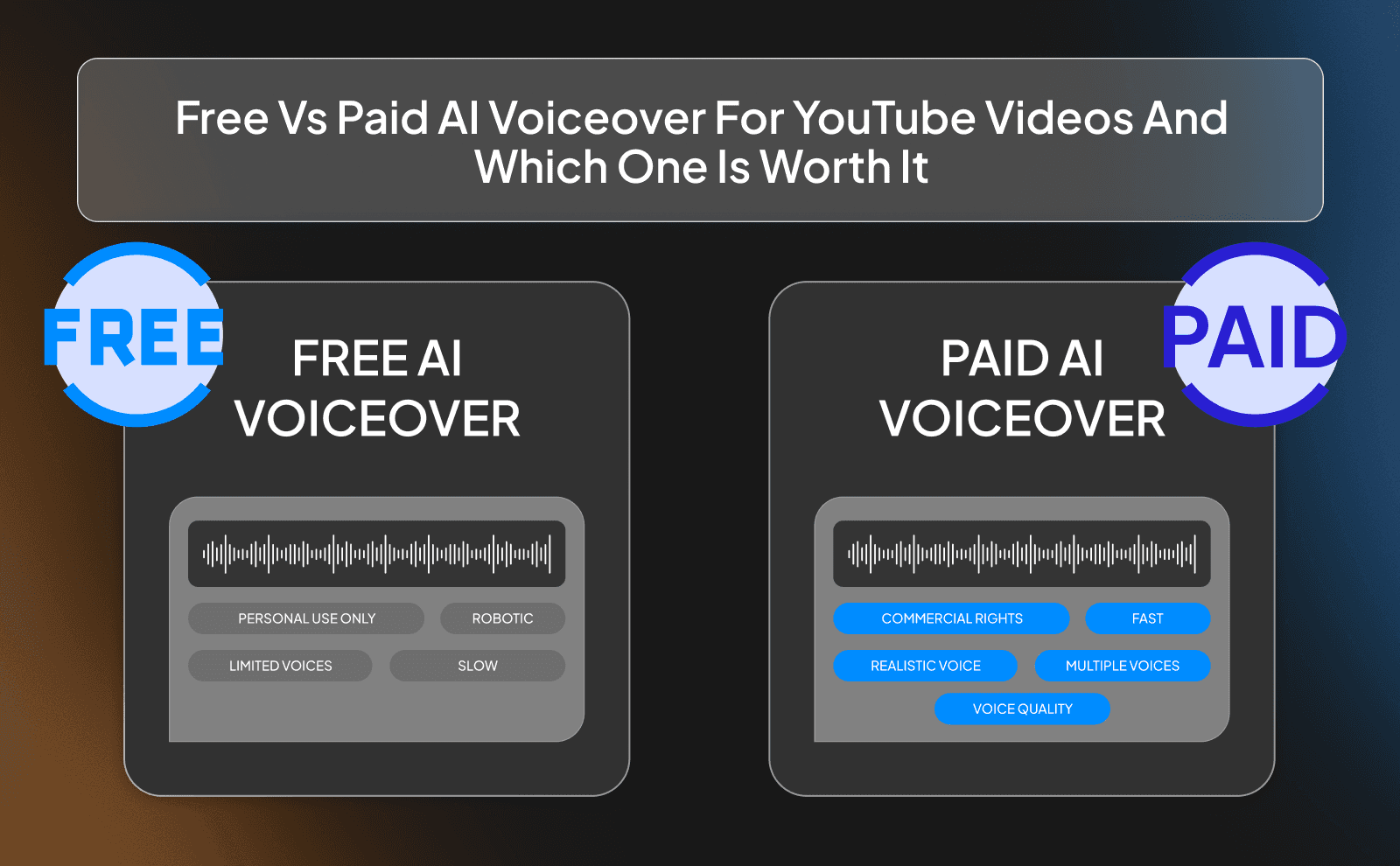
Free AI voice tools are great when you’re just starting out. They let you test ideas, create your first videos, and understand how everything works without spending money. If your main goal is to learn and stay consistent, free tools can be more than enough in the beginning. But they usually come with limits like fewer voice options, lower quality, or restrictions on how much you can generate.
Paid tools, on the other hand, give you more control and better results. You get access to more natural voices, better customization, and fewer limits on usage. This becomes important when you start posting more often or want your videos to feel more polished. In the end, it comes down to your goals. If you’re experimenting, start free. If you’re serious about growing and want your content to stand out, investing in a paid tool can save you time and help you grow faster.
Conclusion
At the end of the day, AI voiceovers just make creating videos easier. You don’t have to sit there recording over and over, worrying about how you sound or fixing mistakes every few seconds. You can just focus on your idea, write a good script, and get your video out. That alone removes a lot of stress and makes the whole process feel way more doable, especially if you’re trying to stay consistent.
But what really matters is how you use it. If you take a bit of time to pick the right voice, write your script like you actually talk, and build a simple workflow, your videos will feel natural and easy to watch.
FAQs
What Is The Best AI Voice Over Generator For YouTube Videos In 2026
ElevenLabs is the best AI voice over generators for YouTube in 2026
Can I Use AI Voiceover For YouTube Videos Without It Sounding Robotic
Yes, modern AI voices sound very natural if you choose a good voice and write your script in a simple, human way.
Which Is The Best AI Narrator For YouTube For Long Videos And Tutorials
A calm, clear, and smooth voice works best for long videos so people can listen comfortably without getting bored.
How Does Text To Speech For YouTube Work With Video Editors
You generate the audio from your script, download it, then import it into your video editor and sync it with your visuals.
What Is The Best AI Voice For Faceless YouTube Channels
The best voice is one that sounds natural, matches your content style, and keeps people engaged without feeling forced.
Is There A Good Free Voiceover Generator For YouTube Creators
Yes, there are free tools that are good enough to start with, especially if you’re testing ideas and learning.
Can I Use AI Voice Generator YouTube Automation To Post Videos Faster
Yes, AI voice tools help you skip recording, which makes it much easier to create and post videos more consistently.
Does AI Narration For YouTube Videos Work Well For Multiple Languages
Yes, many AI tools support different languages and accents, making it easier to reach a wider audience.
Create natural AI voice overs for YouTube videos fast, save time, and keep viewers engaged with smooth, professional narration.