
Noah Morris
Co-Founder

Text to Speech AI vs AI Voice Generator for Faceless YouTube Content Creation
What’s The Difference And Which One Should You Use
Recording voiceovers sounds simple… until you actually try to do it. You sit down, hit record, and the moment you mess up one word, you have to start again. Then there’s background noise, random sounds, your voice not sounding right, or just not having the energy that day. What should take 10 minutes ends up taking an hour or more. And even after all that, you might still feel like it doesn’t sound as good as you wanted.
That’s where AI voiceovers and text to speech come in as a much easier option. Instead of recording again and again, you just write your script and turn it into a clean voice in seconds. No worrying about noise, no redoing lines, no wasting time trying to get the perfect take. You stay focused on your content, and the voice part just gets handled for you.
Old School Text To Speech Generator Vs Modern AI Speech Synthesis Tool
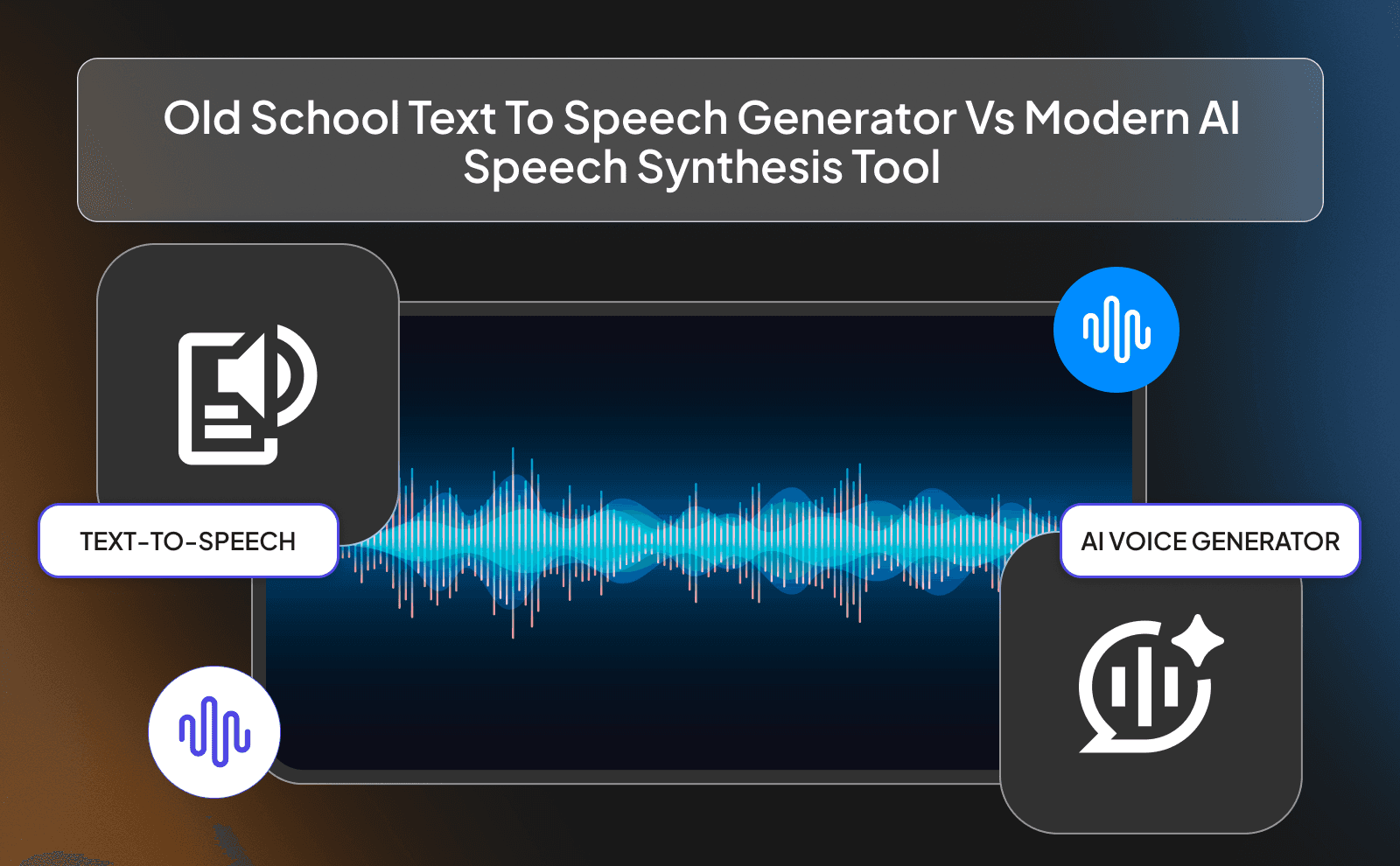
Old school text to speech tools were built to do one simple job: read words out loud. And they did that… but not in a way that felt natural. The voice usually sounded flat, emotionless, and sometimes even annoying to listen to for long periods. Every sentence had the same tone, the same rhythm, and the same energy. It didn’t matter if the text was exciting, sad, or serious, it all sounded exactly the same. That’s why people often describe it as “robotic.”
Modern AI speech tools are on a completely different level. Instead of just reading text, they actually try to understand how a human would say it. They add pauses in the right places, change tone depending on the sentence, and even show emotion in the voice. Some can sound so real that you can’t even tell it’s AI anymore.
How Traditional TTS Reads Text Out Loud
Traditional TTS works in a very mechanical way. It basically takes each word, breaks it into smaller sound pieces, and then stitches those sounds together one by one. It doesn’t really understand meaning, it just follows rules. For example, it knows how to pronounce a word, but it doesn’t know how it should feel when saying it. That’s why sentences can sound awkward or unnatural, especially when there are jokes, emotions, or complex phrases involved.
Because of this, traditional TTS struggles with flow. It might pause in weird places or rush through important parts of a sentence. It treats everything like it’s equally important, which is not how humans speak. When we talk, we naturally emphasize certain words, slow down for effect, or change tone based on context. Old TTS systems simply don’t have that ability, they just follow a script without any real “thinking” behind it.
How An AI Speech Synthesis Tool Creates Human-Like Text To Speech
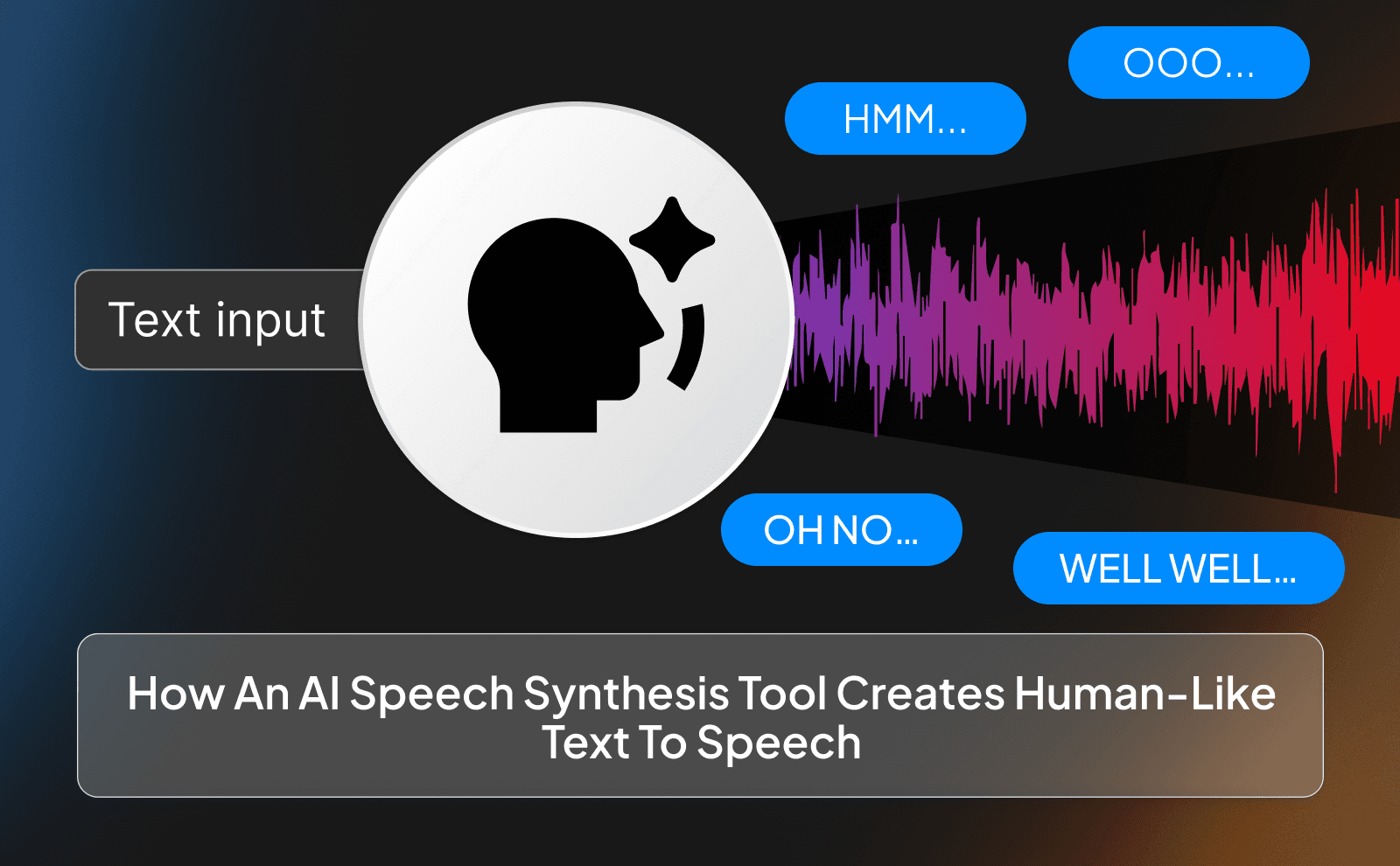
AI speech tools work in a much smarter way. Instead of just reading words, they are trained on huge amounts of real human speech. This allows them to learn patterns, like how people pause, where they stress words, and how emotions change the way we speak. So when you give it a sentence, it doesn’t just see words, it sees meaning, tone, and intention.
That’s why AI voices sound more natural. They can slow down when something is important, speed up during casual parts, and even change emotion depending on the context. For example, a question will sound like a real question, not just a sentence with a question mark at the end. Some tools even let you control the style, like making the voice sound excited, calm, or serious. It’s much closer to how a real human would speak, which makes it way more engaging to listen to.
The Big Gap Between Robotic TTS And Realistic Text To Speech
The biggest difference comes down to one thing: experience. Robotic TTS feels like you’re listening to a machine reading a script. It’s hard to stay focused, and after a while, it becomes tiring to listen to. There’s no emotion, no personality, and no connection. That’s why a lot of older videos or systems that used basic TTS struggled to keep people’s attention.
Realistic AI speech, on the other hand, feels alive. It sounds like someone is actually talking to you, not just reading at you. This makes a huge difference, especially for things like YouTube videos, courses, or storytelling. People are more likely to stay engaged, trust what they’re hearing, and actually enjoy the content. That gap between robotic and human-like speech is the difference between sounding like a machine… and sounding like a real person.
How Does A Text To Speech AI Tool Actually Convert Text To Voice
At a simple level, a text to speech AI tool takes your written words and turns them into sound waves that we hear as speech. But instead of just stitching sounds together like old systems, modern tools break the sentence down and try to understand it first. They look at punctuation, sentence structure, and even the meaning behind the words. Then they decide how the voice should sound, where to pause, which words to stress, and what tone to use.
After that, the AI generates the voice from scratch using learned patterns from real human speech. Tools like ElevenLabs or VidRush don’t just “play sounds,” they actually create a voice that matches the sentence. That’s why the output sounds smooth and natural instead of choppy. It’s more like a person speaking your script than a machine reading it.
The Role Of Deep Learning And Neural Networks In AI TTS
Behind the scenes, AI text to speech is powered by something called deep learning. Think of it like training a system by showing it thousands (or millions) of real human voices. Over time, it starts to recognize patterns: how people speak, how emotions change tone, and how sentences flow naturally. This is what allows modern tools to sound so realistic.
Neural networks are what make this possible. They act like a digital brain that learns from all that data. Instead of following fixed rules, they adapt and improve based on what they’ve learned. That’s why tools like Murf AI or PlayHT can produce voices that feel human. They’re not just programmed. they’re trained, which makes a huge difference in quality.
Why AI Can Now Add Emotion, Pauses, And Natural Flow To Speech
The reason AI can now sound emotional and natural is because it understands context better. It doesn’t just see words, it sees how those words should be delivered. For example, a question will sound curious, a warning might sound serious, and an exciting sentence will have more energy. This comes from all the training data it has learned from real conversations.
It also knows how to handle pacing. Humans don’t speak in a straight line. we pause, we emphasize, we change speed. Modern AI copies that behavior. Tools like ElevenLabs are especially good at this, which is why their voices feel so real. That natural flow is what keeps people listening instead of clicking away.
How Vidrush Uses Text To Speech AI To Help You Create Full Videos Faster
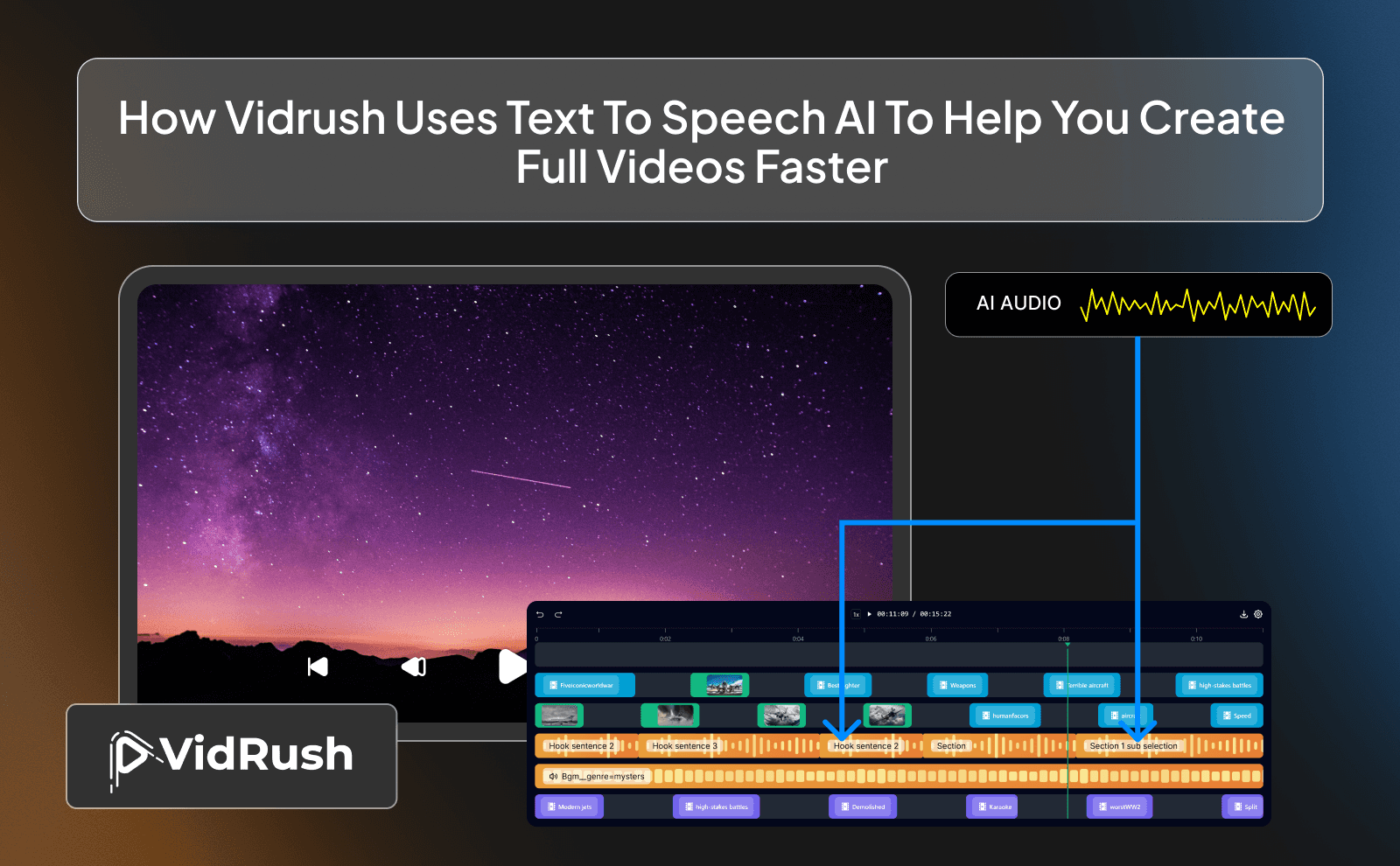
VidRush is built to save you time by combining multiple steps into one place. Instead of writing a script, recording your voice, editing audio, and then building visuals separately, it does most of that for you. You can go from an idea to a finished video much faster, which is perfect if you’re trying to stay consistent or grow a channel. That also makes it useful as a script-to-video tool for creators who want one smoother workflow.
It uses AI text to speech as the core of the process. Once your script is ready, it turns it into a voiceover instantly. Then it helps match that audio with visuals, clips, or animations. This removes a lot of the technical work, so you can focus more on the content itself instead of spending hours editing.
Turning Scripts Into Spoken Audio Inside VidRush
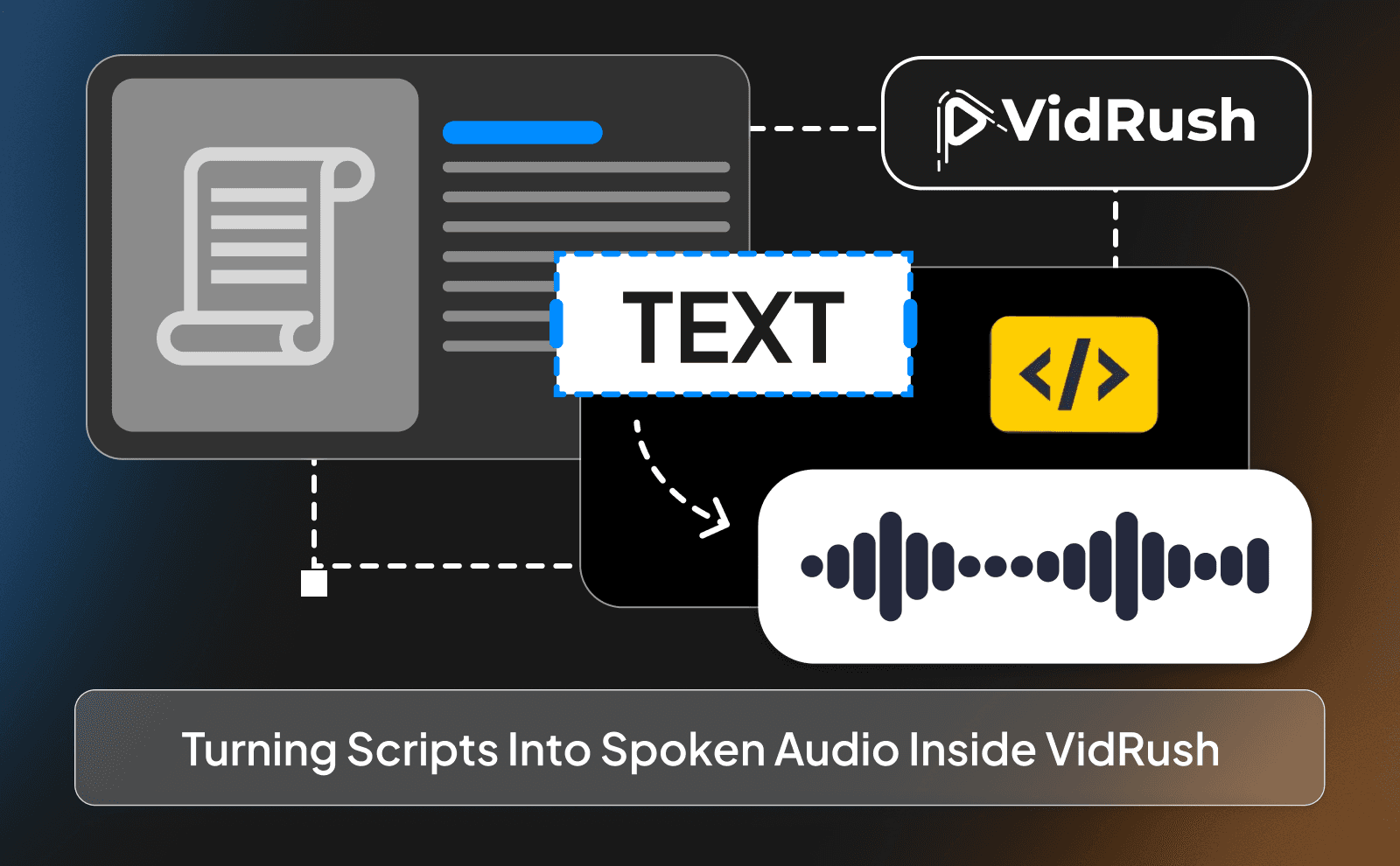
Inside VidRush, you simply paste your script and choose a voice. The tool handles the rest. It generates a clean, natural-sounding voiceover in seconds. You can tweak things like tone, speed, or style depending on how you want it to sound.
This is especially useful if you don’t like recording your own voice or don’t have the right equipment. Instead of worrying about background noise, mistakes, or retakes, the AI gives you a great result right away. It’s fast, simple, and consistent, which is exactly what most creators need.
Pairing AI Voices With Auto-Generated Visuals For Complete Videos
One of the biggest advantages of VidRush is how it connects audio with visuals. After creating your voiceover, it can automatically suggest or generate clips that match what’s being said. This makes your videos feel more complete without you having to search for footage manually.
This combo is really good because it speeds up the entire workflow. Instead of editing everything piece by piece, you get a near-finished video in minutes. For beginners especially, this removes a huge barrier and makes content creation much easier to start.
AI TTS Vs Voice Generator And When To Use Each One
AI text to speech and voice generators are similar, but they’re not exactly the same. Basic TTS tools focus on converting text into speech quickly. Voice generators, on the other hand, give you more control like adjusting tone, cloning voices, or creating unique styles. An AI voice generator is better when you want speech that feels more polished, flexible, and suited to a specific content style. It’s the difference between simple output and full customization.
If you’re just trying to get a clean voiceover, TTS is enough. But if you want something that stands out like ads, storytelling, or branded content, a full voice generator like ElevenLabs is the better choice. It gives you more flexibility and overall a better result.
When A Simple TTS AI Tools Gets The Job Done
A simple TTS tool works perfectly when speed is your priority. If you need quick voiceovers for short videos, slides, or basic content, there’s no need to overcomplicate it. Tools like NaturalReader can handle this easily.
It’s also great for testing ideas. You can quickly turn scripts into audio and see how they sound without spending too much time. For beginners or simple projects, this is often more than enough.
When You Need A Full AI Voice Generator For Videos And Ads
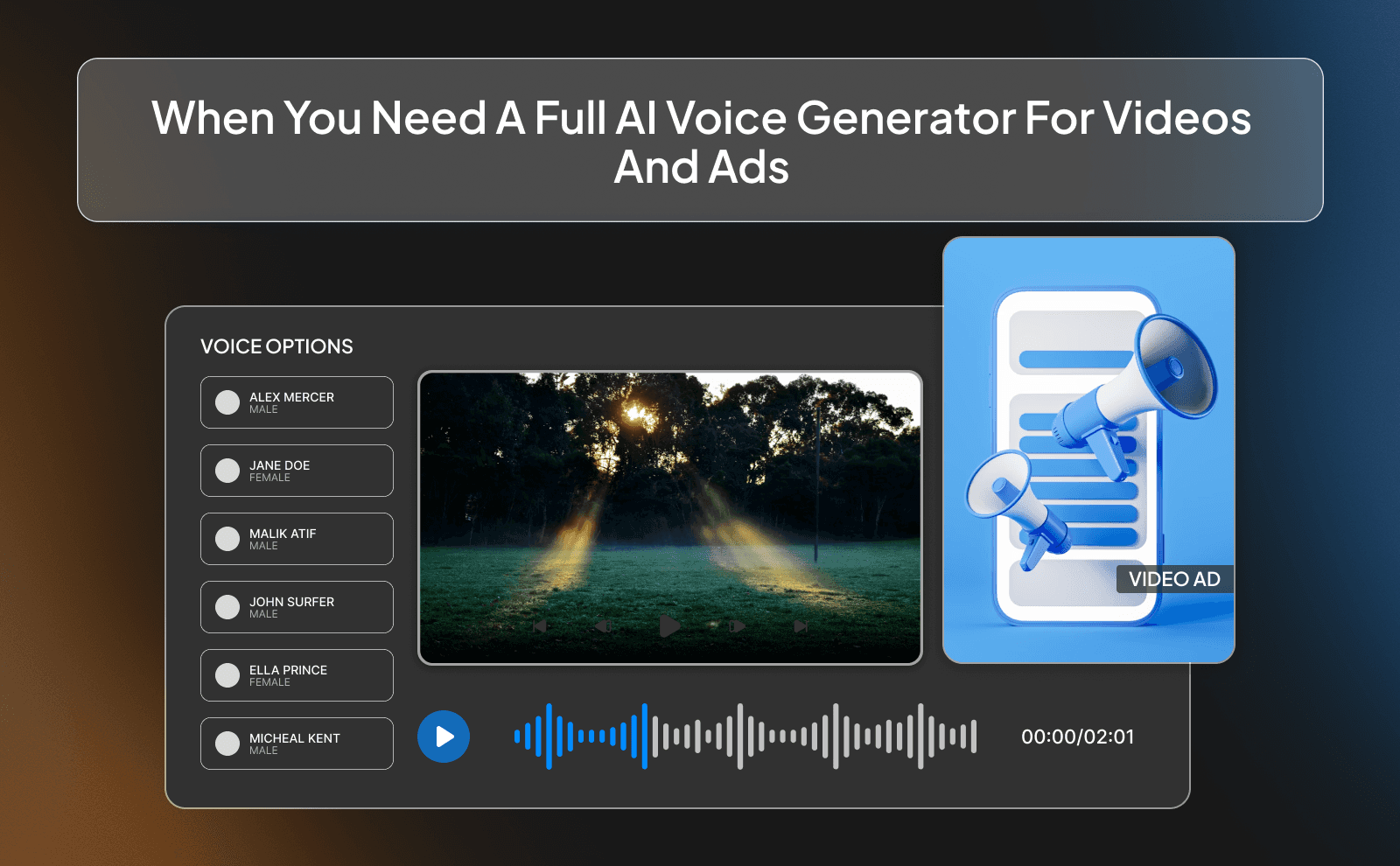
If you’re creating content where quality really matters like ads, storytelling videos, or brand content, then you need something more advanced. This is where tools like ElevenLabs or Murf AI come in.
These tools let you control emotion, pacing, and tone at a deeper level. You can make the voice sound more persuasive, more energetic, or more natural depending on your goal. This can directly impact how people respond to your content.
Quick Side By Sick Comparison For Creators And Businesses
For creators, the choice usually comes down to speed vs quality. If you’re posting a lot of content quickly, simple TTS tools are great. But if you’re focused on building a brand or keeping people watching longer, investing in better voice quality makes a big difference.
For businesses, it’s even more important. A robotic voice can make your brand feel cheap, while a natural voice builds trust. That’s why many businesses lean toward advanced tools since it helps them sound more professional and that’s very important in the business world.
Best Text To Speech Software 2026 That Sounds Like A Real Person
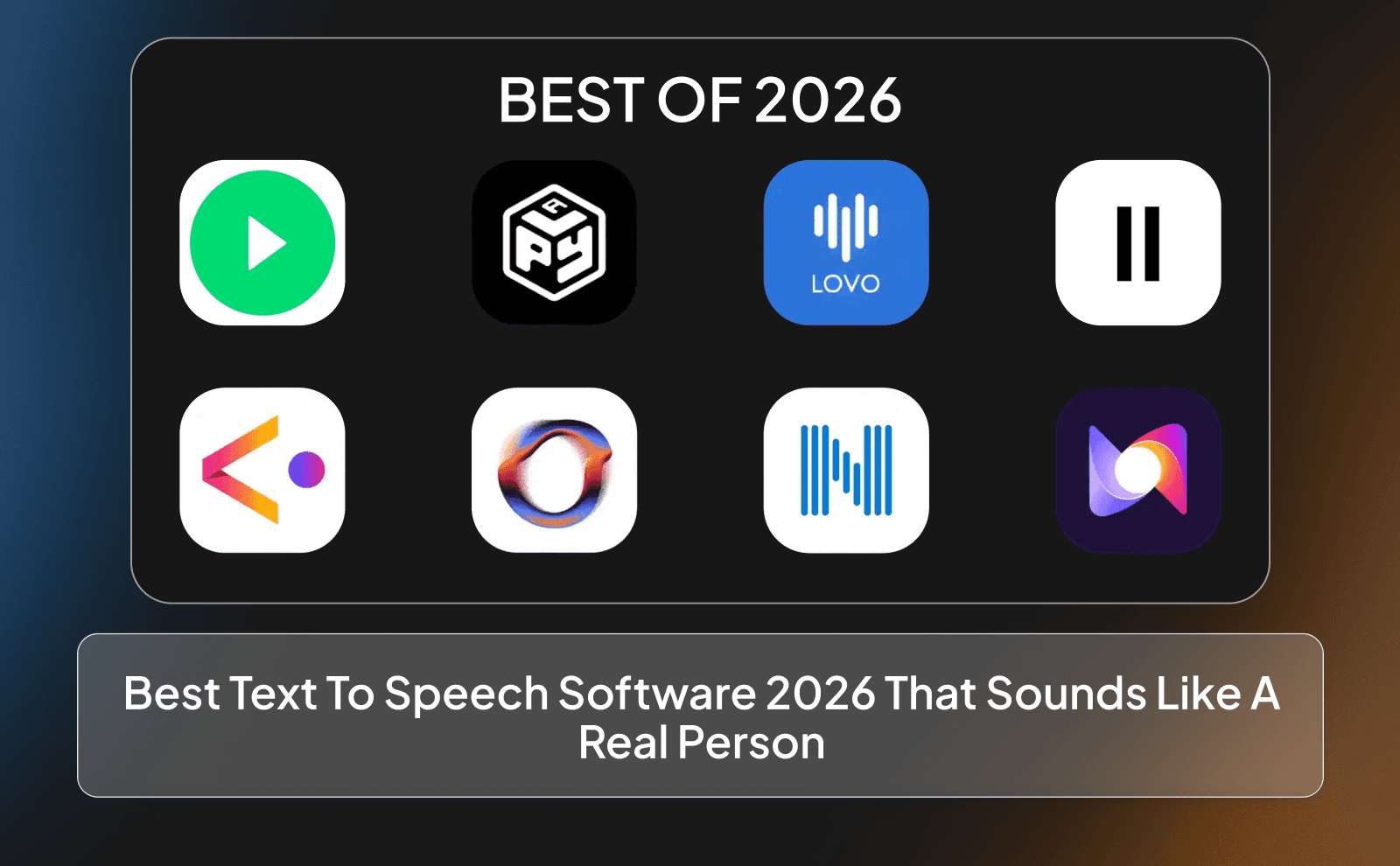
In 2026, the best tools are the ones that sound the least like AI. ElevenLabs is often considered one of the top choices because of how realistic its voices are. It handles emotion, pacing, and tone extremely well, making it perfect for high-quality content. It gives you a lot of free options that you can play around with, while also having a good set of settings to tweak the voices.
Other strong options include PlayHT and Murf AI. They offer a good balance between quality and control. And if you want an all-in-one tool, VidRush is a great option not only because of its text to speech feature but because it combines voice with video creation replacing the job of a whole production team.
Top Picks For Realistic Text To Speech And Text Audio AI Tools
When people talk about the “best” tools, what they really mean is: which ones actually sound real. Right now, ElevenLabs is at the top for a reason. The voices don’t just read your script, they perform it. You can hear small details like emotion, breathing, and natural pauses, which makes a huge difference, especially for storytelling or YouTube content.
But it’s not the only solid option. PlayHT is great if you want a lot of variety, different accents, tones, and styles all in one place. Then you’ve got Murf AI, which is more focused on business use like presentations, ads, and explainer videos.
Free And Paid Options For Text To Speech Online Free Users
If you’re just getting started, free plans are actually a great way to test things without pressure. Most tools give you a limited number of characters or minutes, which is enough to experiment and understand how everything works. You can try different voices, see how your scripts sound, and get a feel for what kind of style fits your content. It’s low risk, and honestly, a lot of beginners stay in this phase for a while. If you are still comparing options, looking at the best free AI voice generator choices can help you test quality before paying.
But once you start creating more seriously, you’ll feel the limits pretty quickly. That’s where paid plans start to make sense. You unlock better voice quality, more control over tone and voices, and way higher usage limits. Tools like ElevenLabs and PlayHT both follow this model. you can start free, then upgrade when you actually need more control.
Where Creators And Businesses Are Using Human-Like Text To Speech Right Now
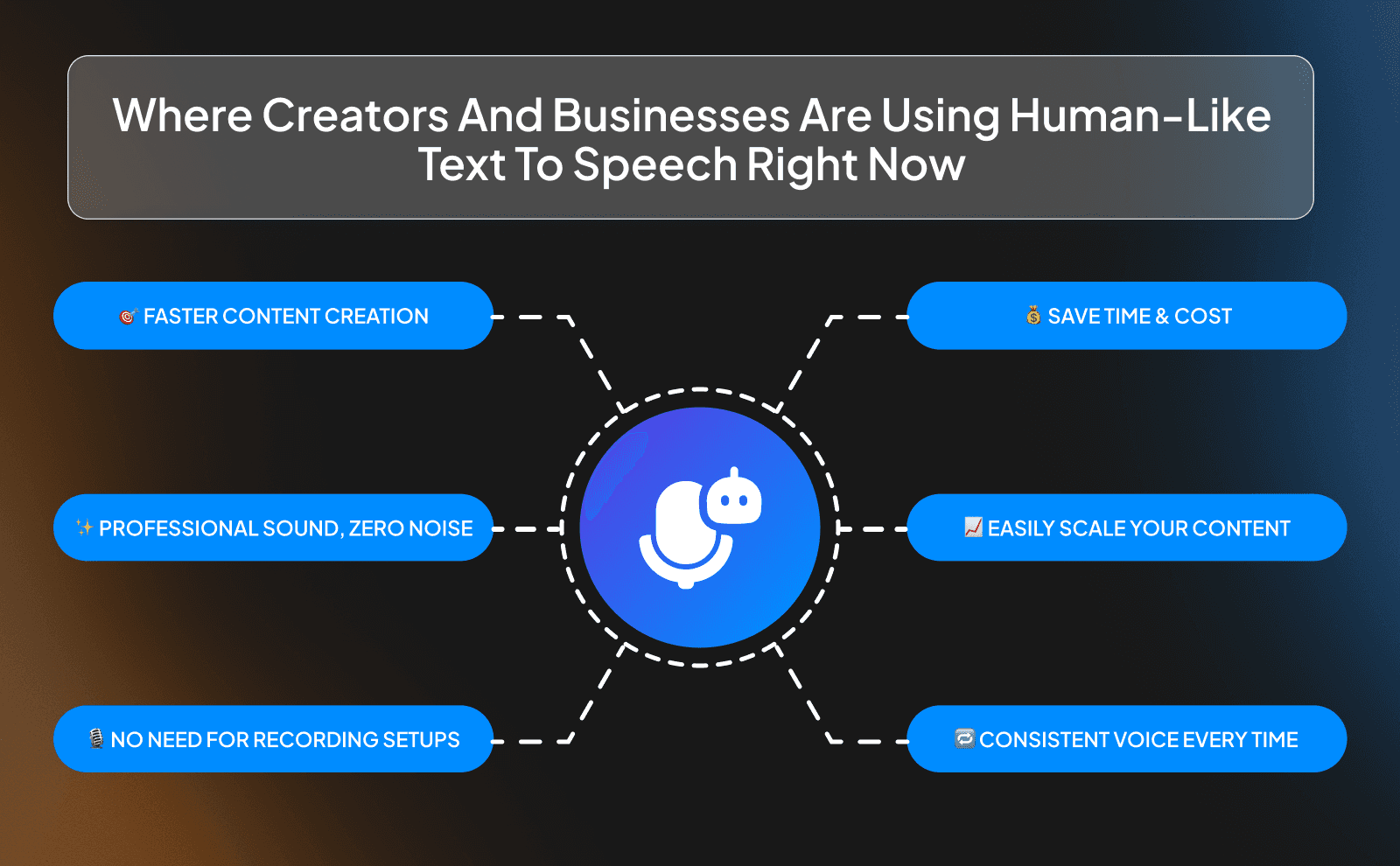
This type of AI isn’t some “future thing” anymore, it’s already everywhere. Creators are using it to pump out content faster, and businesses are using it to save time and money while still sounding professional. That is why AI content creation tools are now becoming part of everyday workflows for both solo creators and growing teams. The reason it’s growing so fast is simple: it solves a real problem. Recording voiceovers takes time, energy, and sometimes equipment people don’t have. AI removes all of that.
And it’s not just about speed. It’s also about consistency. With AI, your voice sounds the same every time. no bad recordings, no tired voice, no background noise. That’s why tools like VidRush are becoming popular, especially for people who want to scale content without getting stuck in the technical side of things.
YouTube Videos, Podcasts, And Online Courses
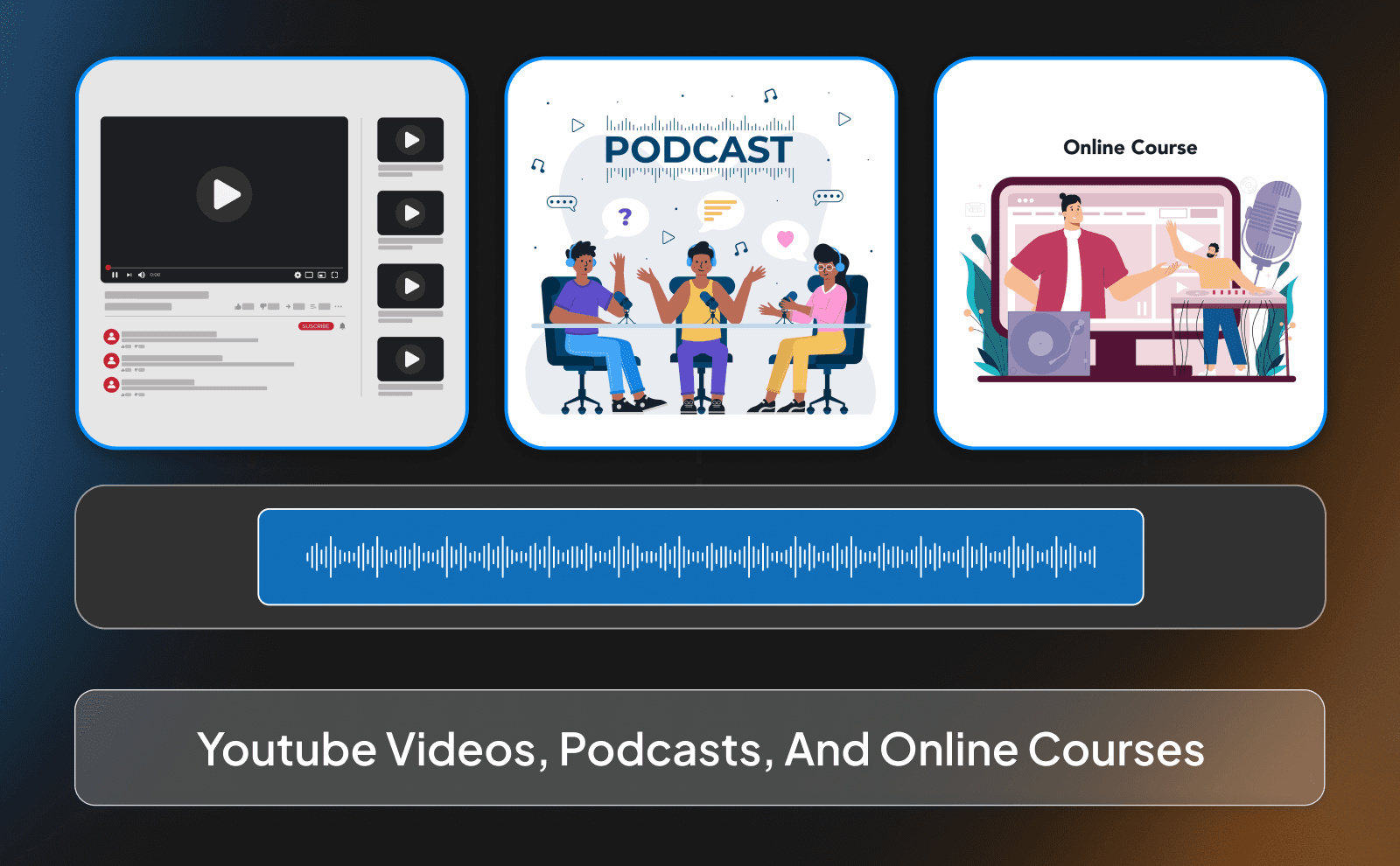
On YouTube, especially with faceless channels, AI voices are becoming the standard. Many creators also use AI tools for faceless YouTube videos to handle voiceovers, visuals, and editing more efficiently. Instead of worrying about recording, creators can focus fully on scripting and ideas. This can make it much easier to build a faceless YouTube channel without needing to appear on camera. And if the voice sounds real enough, which tools like ElevenLabs do very well, most viewers won’t question it. They just care if the content is engaging.
The same thing is happening with online courses and even podcasts. People are using AI to create full lessons without ever touching a microphone. It also makes updates easier. If you need to change something in your course, you don’t have to re-record everything. you just edit the text and regenerate the audio. That kind of flexibility is a big advantage.
Ads, Product Demos, And Customer Support Audio
For businesses, AI voices are extremely useful in ads. Using AI for marketing video content also makes it easier to test different messages, tones, and campaign styles. You can test different tones, styles, and messages quickly without hiring multiple voice actors. Tools like Murf AI make this process simple, which is why a lot of brands are starting to rely on it.
It’s also being used in product demos and customer support. Instead of long blocks of text, companies can guide users with clear voice instructions. This makes things easier to follow and improves the overall experience. And since the voice sounds natural, it doesn’t feel like you’re dealing with a machine, it feels more like someone is actually helping you.
How To Pick The Right Convert Text To Voice Tool For Your Projects
The biggest mistake people make is choosing a tool too quickly. They see one option, try it for two minutes, and decide that’s “the one.” But the truth is, different tools are better for different things. So before picking, you need to ask yourself: what am I actually trying to create? Short videos? Ads? Long YouTube content? Each use case might need a different kind of voice.
A smart approach is to test a few tools side by side. Try the same script on ElevenLabs, PlayHT, and maybe VidRush if you’re doing video. Listen carefully and compare. Don’t just go with what sounds “okay”/ go with what actually fits your content and keeps you interested while listening.
What To Check Before You Choose A Free Voice Synthesis Tool
Free tools can be great, but you need to know what you’re getting into. The first thing to check is the voice quality. Some free tools sound decent, but others still have that robotic feel, which can hurt your content more than help it. Always test with a real script, not just a short sentence, so you can hear how it performs over time.
You should also look at the limits. How much audio can you generate? Are there restrictions on downloads? Some tools seem free at first, but become very limited once you actually try to use them seriously. Platforms like NaturalReader are known for being simple and beginner-friendly, which makes them a good starting point. just make sure they match your needs.
Matching The Right Voice Style And Language To Your Content
This part is underrated, but it makes a huge difference. Even the best AI voice will sound “off” if it doesn’t match your content. For example, a deep serious voice might not fit a fun or entertaining video. And a super energetic voice might feel weird for something educational or calm. The voice has to match the vibe of what you’re creating.
Language and accent matter too. If your audience is mostly from one region, using a voice that sounds familiar to them can make your content feel more natural and easier to connect with. ElevenLabs actually has some great options for different accents and different languages as well.
Mistakes To Avoid When Using Text To Speech For The First Time
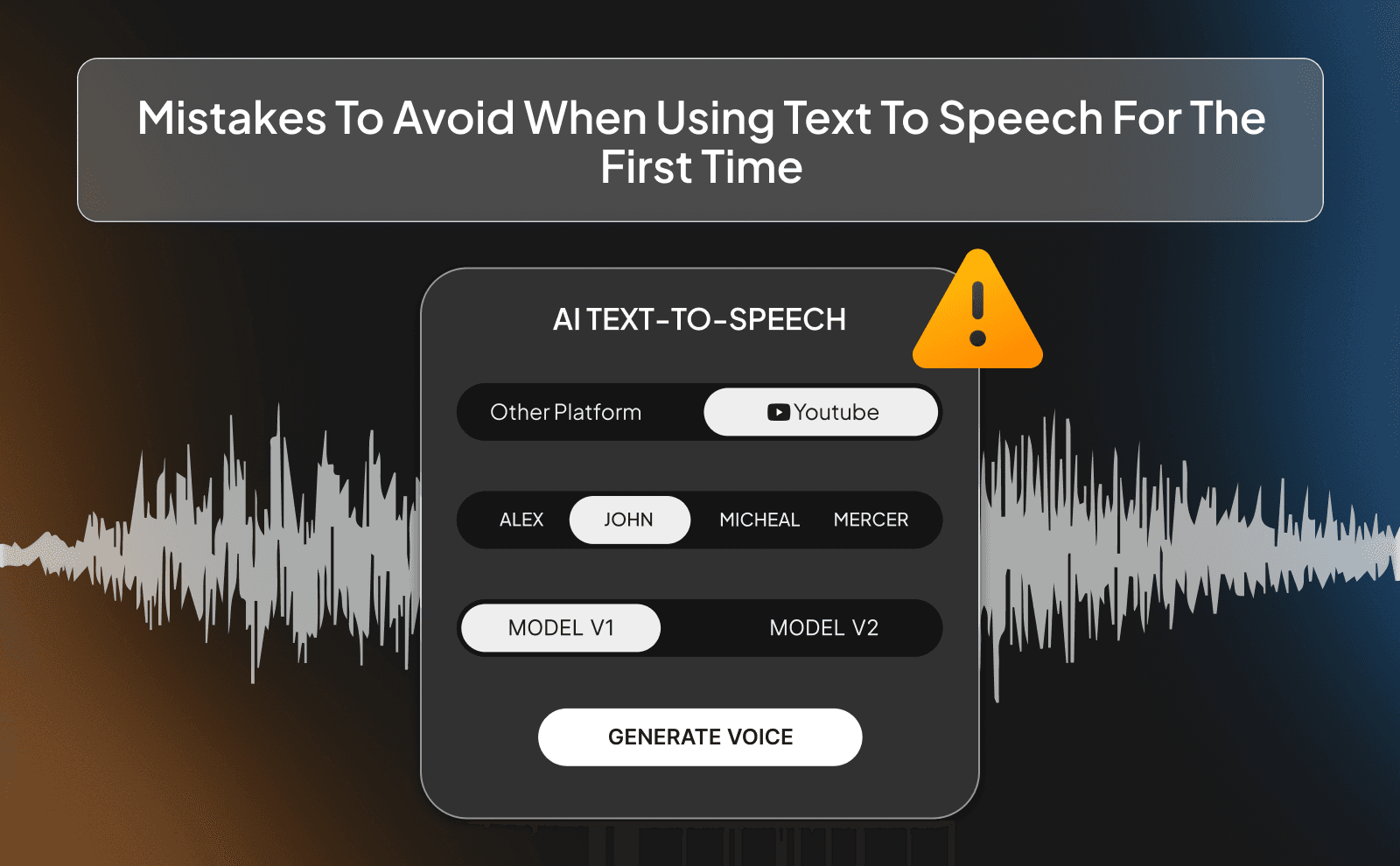
One of the biggest beginner mistakes is rushing everything. People paste a script, generate the voice, and use it without listening properly. But small issues like weird pauses or wrong emphasis can make the whole thing feel unnatural. Always listen back and fix those little details, they matter more than you think.
Another common mistake is relying too much on default settings. Most tools, especially ones like ElevenLabs, give you control over speed, tone, and delivery. If you don’t touch those settings, you’re leaving quality on the table. Spend a few extra minutes adjusting things, and your final result will sound way more natural and professional.
Conclusion
If you really think about it, this whole space has changed fast. Not long ago, using text to speech meant settling for a voice that sounded off, flat, and honestly a bit hard to listen to. Now it’s the opposite. you can type a script, press a button, and get something that sounds like a real person talking. That’s why so many creators are switching to it. It just makes things easier without lowering the quality.
Frequently Asked Questions
What Is The Difference Between Text To Speech AI And An AI Voice Generator
Text to speech turns text into voice quickly, while AI voice generators give you more control over tone, emotion, and style.
Can I Use A Text To Speech Generator For YouTube Videos
Yes, many creators use tools like ElevenLabs for YouTube and most viewers can’t tell the difference.
Where Can I Find Text To Speech Online Free Tools That Sound Real
Platforms like PlayHT and NaturalReader offer free plans to get started.
What Is The Best Text To Speech Software éàé- For Content Creators
Right now, ElevenLabs is one of the best choices for realistic and high-quality voices.
How Do I Convert Text To Voice Without It Sounding Robotic
Use advanced tools like ElevenLabs and adjust tone, speed, and pauses instead of using default settings.
What Makes Human-Like Text To Speech Different From Older TTS Tools
Modern AI understands context, emotion, and flow, while older TTS just reads words with no feeling.
Is A TTS AI Tool Good Enough For Professional Video Voiceovers
Yes, high-quality tools today can easily produce voiceovers that sound professional and realistic.
Can I Use A Text To Audio AI Tool For Podcasts And Audiobooks
Yes, there are channels that make AI podcasts and AI audiobooks
What Is The Best Realistic Text To Speech Tool For Beginners
ElevenLabs is beginner-friendly while still offering very realistic results.
How Does VidRush Use AI Speech Synthesis To Speed Up Video Creation
VidRush turns scripts into voiceovers and pairs them with visuals so you can create full videos much faster.
The key differences between text to speech AI and voice generators for creating professional audio with realistic results for faceless YouTube content in 2026.