
Noah Morris
Co-Founder

How To Create A Professional Voiceover Without A Microphone Using AI In 2026
One of the biggest problems creators face is how long it takes to record a clean voiceover. You sit down, try to get everything right, and then something goes wrong: background noise, you mess up a word, your voice sounds off, or you just don’t like how it came out. So you do it again. And again. What should’ve been a quick task turns into a frustrating process that eats up your time and kills your momentum.
That’s where AI voiceover completely changes the game. Instead of recording and re-recording, you just write your script, paste it into a tool, and let the AI handle the voice. No noise, no mistakes, no wasted time. And with that you get clean, natural-sounding audio in minutes, so you can focus on the things that matter which are creating and putting out more content consistently.
What Is AI Voiceover?
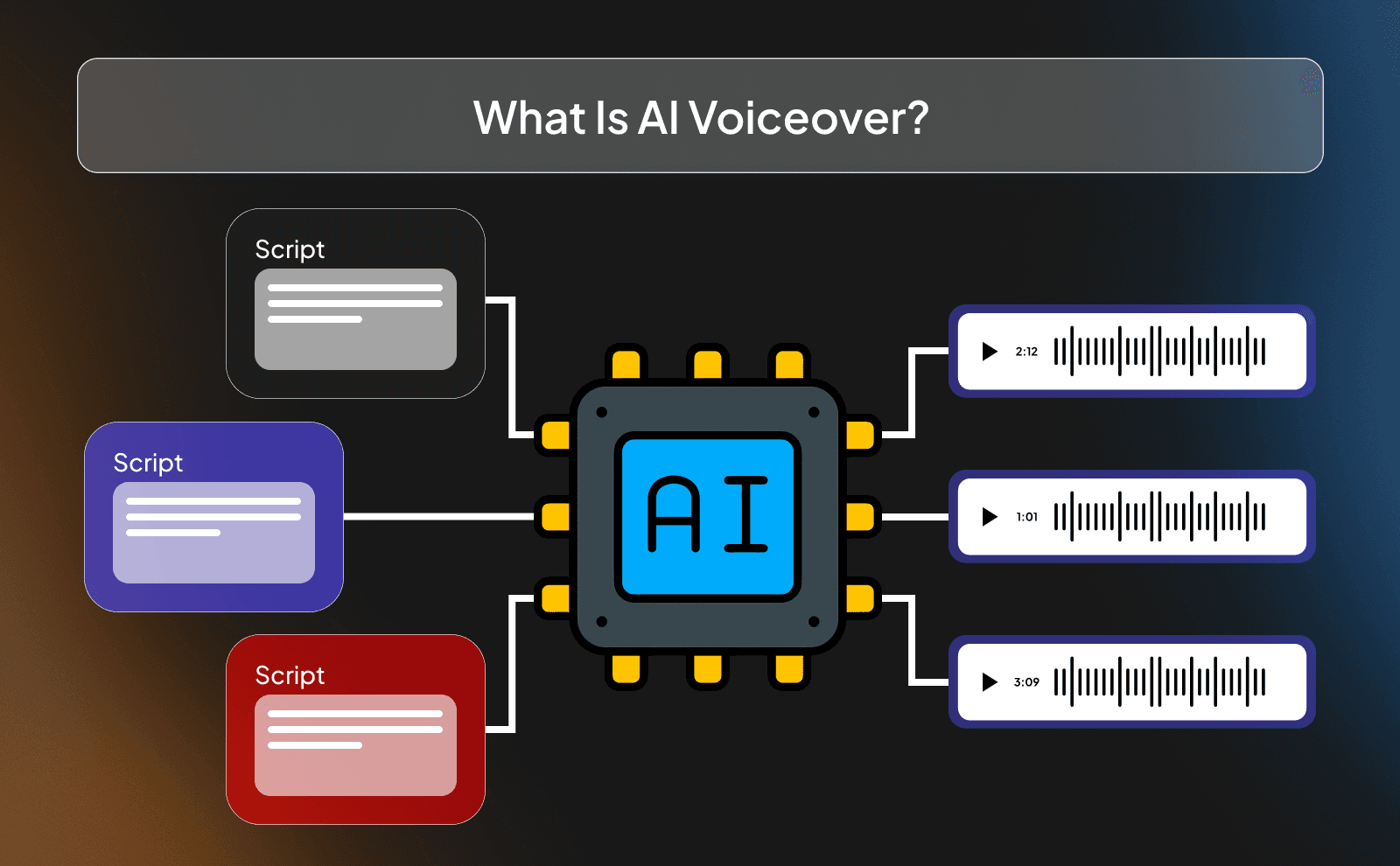
AI voiceover is when a computer turns written text into spoken audio that sounds like a real person talking. Instead of you sitting down with a microphone and recording your voice, you just type what you want to say, press a button, and the AI reads it out loud for you. Using an AI voice generator makes this process even simpler and faster. The crazy part is how natural it can sound now. pauses, tone, emotion, even different accents. It’s not that robotic voice people used to joke about anymore.
Think of it like this: it’s the same way you’d write a script for a video, but instead of recording yourself, the AI becomes the speaker. You can change voices, speed, tone, and even fix mistakes instantly without re-recording everything. That’s why it’s becoming such a big thing for YouTubers, TikTok creators, and anyone making content fast.
Why Creators Are Skipping The Microphone And Going Straight To AI Voiceover?
A lot of creators are tired of how slow and frustrating recording can be. You need a quiet room, a decent mic, and multiple takes just to get one clean recording. Then you listen back and notice small mistakes, weird breathing sounds, or background noise, and now you have to redo it again. It turns a simple idea into a long, annoying process.
With AI voiceover, all of that disappears. You just focus on writing a good script, and the AI handles the talking. No setup, no stress, no worrying about how your voice sounds. That’s why more creators are choosing speed and convenience over traditional recording, especially if they’re posting content consistently.
The Real Problems With Recording Voiceovers The Old Way
Recording voiceovers sounds simple, but in reality, it’s full of small problems that add up fast. Background noise is a big one: cars, people talking, even your own breathing can ruin a take. Then there’s your voice itself. Some days you sound tired, sick, or just off, and it shows in the recording. Fixing all that takes time, editing, and sometimes extra tools.
Another issue is how long it takes to get things right. You mess up one sentence, and now you’re re-recording parts over and over again. Then comes editing, cutting out mistakes, adjusting volume, and trying to make everything sound smooth. What should take 10 minutes can easily turn into an hour or more, especially if you’re trying to sound professional.
How AI Voiceovers Without Microphone Saves You Hours Of Work?
AI voiceovers remove almost every step that slows you down. You don’t need to set up anything. no mic, no quiet room, no testing audio levels. You just paste your script, choose a voice, and generate the audio in seconds. If you don’t like something, you don’t re-record, you just edit the text and regenerate. That alone saves a massive amount of time.
It also makes editing way easier. Instead of cutting audio files and trying to match tone, you’re just working with text. Want to change a word? Fix a sentence? Tweak pacing? It’s all instant. That’s why creators who use AI voiceovers can produce content much faster and stay consistent without burning out.
Who Benefits The Most From Automated Voiceover Creation?
Beginners benefit a lot because they don’t need expensive gear or experience. You don’t have to worry about having a “good voice” or learning audio editing. You can just focus on ideas and content, which is what actually matters in the beginning. It removes a big barrier that usually stops people from starting.
But it’s not just beginners. Busy creators, freelancers, and even businesses benefit too. If you’re making multiple videos, ads, or training content, AI voiceover helps you scale without spending hours recording. It’s perfect for people who want speed, consistency, and less stress while still putting out solid content.
What You Need Before You Start Making A Voiceover With AI?
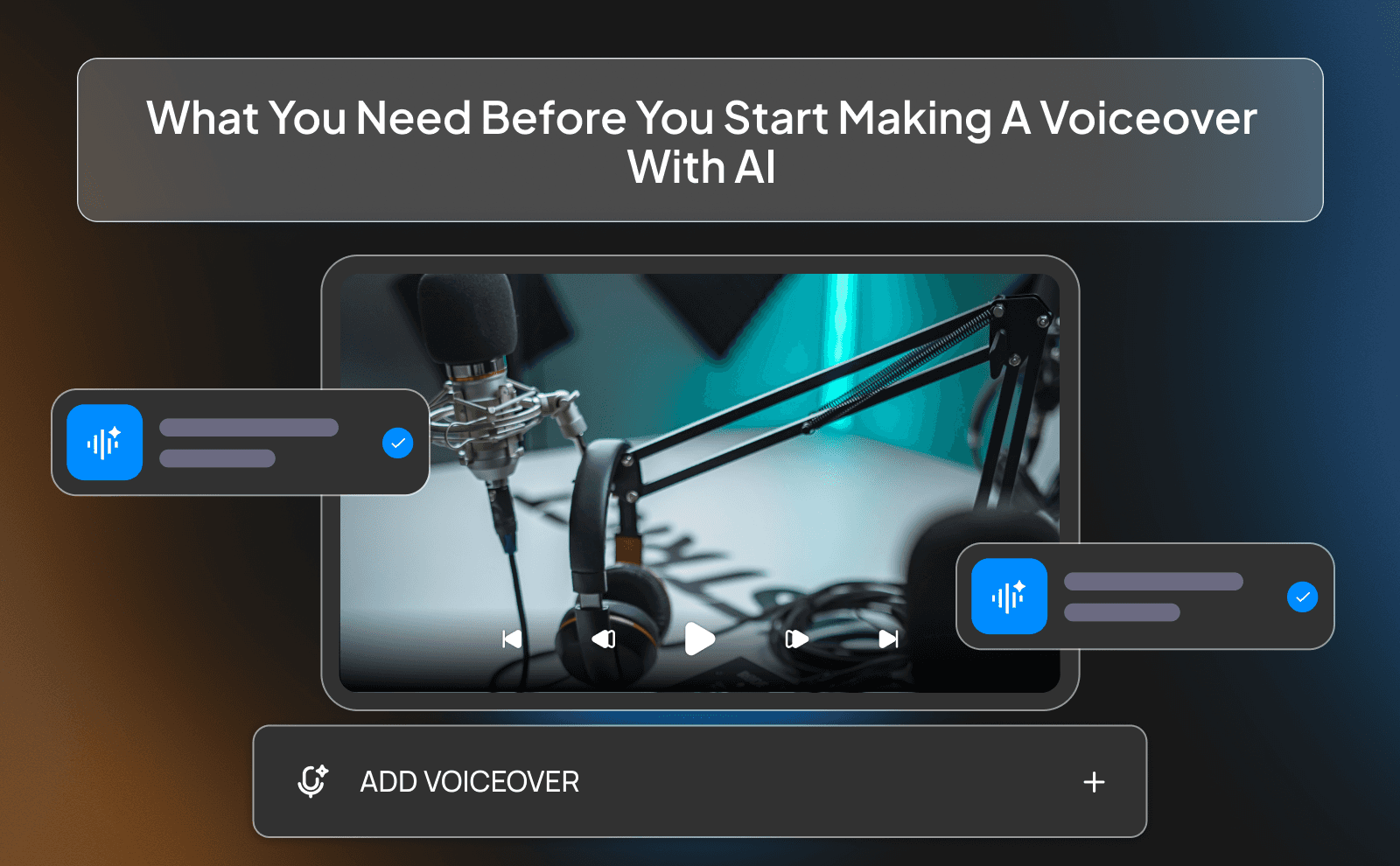
Writing A Clean Script That Is Ready To Become Voiceover
A good voiceover always starts with a clean, simple script. You don’t want to write like you’re writing an essay. Write like you talk. Short sentences, simple words, and a natural flow. If it feels easy to read out loud, it’ll sound good when the AI says it too. You can also use an AI script generator to make sure your scripts are perfect for voiceover.
One trick that helps a lot is reading your script out loud before using it. If you stumble or feel like something sounds weird, fix it. Also, avoid long sentences packed with ideas. Break them down. The clearer your script is, the more human your voiceover will sound without needing extra effort.
Picking The Right Voiceover AI Tool For Beginners
Not all AI tools are the same, and that’s where people get stuck. As a beginner, you don’t need something complicated with a million settings. You want something simple, fast, and easy to use. A good tool should let you paste your script, choose a voice, and get your audio in minutes without confusion. Check out the best AI tools for script writing to find the easiest options.
Also, pay attention to how natural the voices sound. Some tools still sound robotic, and that can ruin your content. Test a few voices, listen carefully, and pick one that actually sounds like a real person. If it feels smooth and easy to listen to, you’re on the right track.
Choosing The Voice Style, Tone, And Language For Your Project
The voice you choose matters more than people think. A calm, slow voice works great for tutorials, while a more energetic voice is better for ads or short videos. You want the voice to match the feeling of your content. If they don’t match, it feels off, even if people can’t explain why.
Language and accent also play a big role. If your audience is mostly from one region, pick a voice they’re comfortable with. And don’t just pick randomly. listen to a few options and imagine your full video with that voice. The right choice makes your content feel smooth and professional without extra work.
How VidRush Makes It Easy To Create AI Voiceover And Full Videos Together?
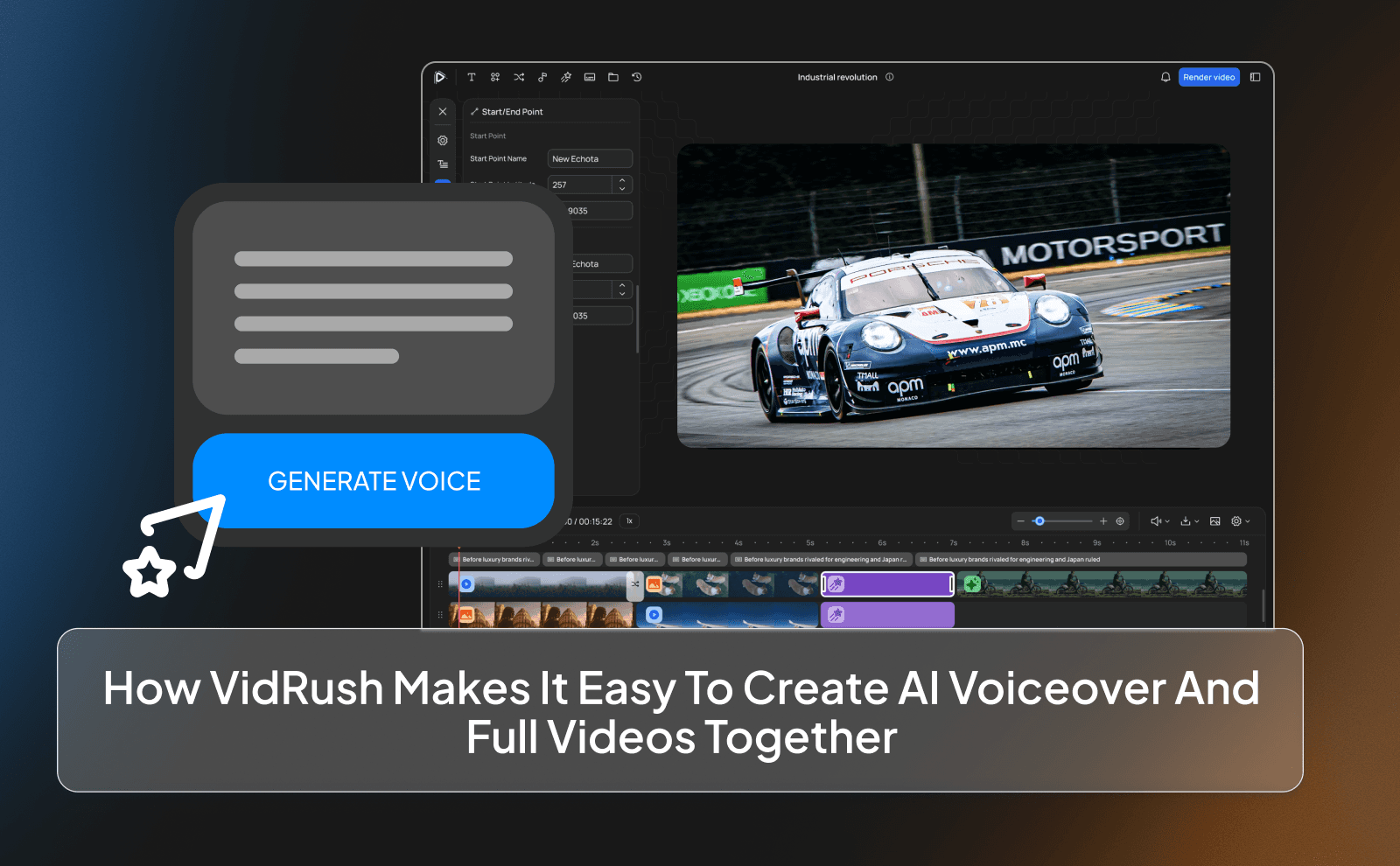
One of the biggest problems creators face is using multiple tools. one for voice, one for video, one for editing. That gets confusing fast. Tools like VidRush solve that by putting everything in one place. Learning how to write YouTube script with AI can save even more time when planning content. You don’t just create a voiceover, you can turn your whole idea into a finished video without jumping between platforms.
This saves a lot of time and mental effort. Instead of worrying about exporting files, syncing audio, and fixing mistakes across different tools, you handle everything in one flow. It’s built for speed, especially if you’re trying to post content consistently without burning out.
Turning A Script Into A Full Video With Voiceover Inside VidRush
The process is simple. You start with your script, just like always. Then instead of only generating audio, you can directly turn that script into a video. Tools like a script to video tool help you seamlessly convert your scripts into complete videos. The tool adds voiceover, visuals, and structure around your words, which cuts down hours of manual work.
This is especially useful if you’re making faceless content. You don’t need to record anything or film clips yourself. Your script becomes the base, and the tool builds everything around it. This is one of the best ways to create faceless videos with AI efficiently. It’s one of the fastest ways to go from idea to finished video.
Using VidRush AI Voice For Video Production Without Any Setup
What makes tools like this powerful is how little setup they need. You don’t install anything complicated, you don’t configure audio settings, and you don’t deal with technical issues. You just log in, paste your script, and start creating.
This is perfect if you want to stay focused on content instead of tools. No distractions, no learning curve slowing you down. It’s all about speed and simplicity, which is exactly what most creators need when they’re trying to grow.
AI Voiceover Step By Step Complete Walkthrough
The whole process is actually very straightforward. First, you write your script. Then you paste it into the AI tool. After that, you choose your voice and adjust a few settings if needed. Finally, you generate and download your audio. That’s your full workflow.
What used to take hours, recording, editing, fixing mistakes, now takes minutes. And once you do it a few times, it becomes second nature. You’ll be able to create voiceovers quickly without even thinking about the process.
Pasting Your Script Into The AI Voice For Video Production Tool
This step sounds basic, but it matters. When you paste your script, make sure it’s clean and formatted well. Use line breaks where you want pauses, and avoid big blocks of text. The way your script looks affects how the AI reads it.
Also, double-check for small mistakes before generating. Fixing them now is faster than redoing the audio later. A clean input always gives you a better output.
Adjusting Pitch, Speed, Pauses, And Emotion For A Natural Sound
This is where you can make your voiceover feel more human. Small changes in speed or pitch can make a big difference. If the voice feels too fast, slow it down a bit. If it feels flat, try adding a bit more variation or emotion.
Pauses are especially important. Adding small breaks between sentences makes everything easier to understand and more natural to listen to. Don’t overdo it, just enough to let the message breathe.
Previewing And Downloading Your Final Audio File
Before you download, always preview your voiceover. Listen like a viewer, not like the creator. Does it sound smooth? Are there any awkward parts? If something feels off, go back and fix it. It’s quick and worth it.
Once everything sounds right, download your file and you’re ready to use it in your video. There are no extra steps required and no complicated exporting, just a clean, ready to use voiceover.
How To Make A Voiceover With AI That Sounds Truly Human?
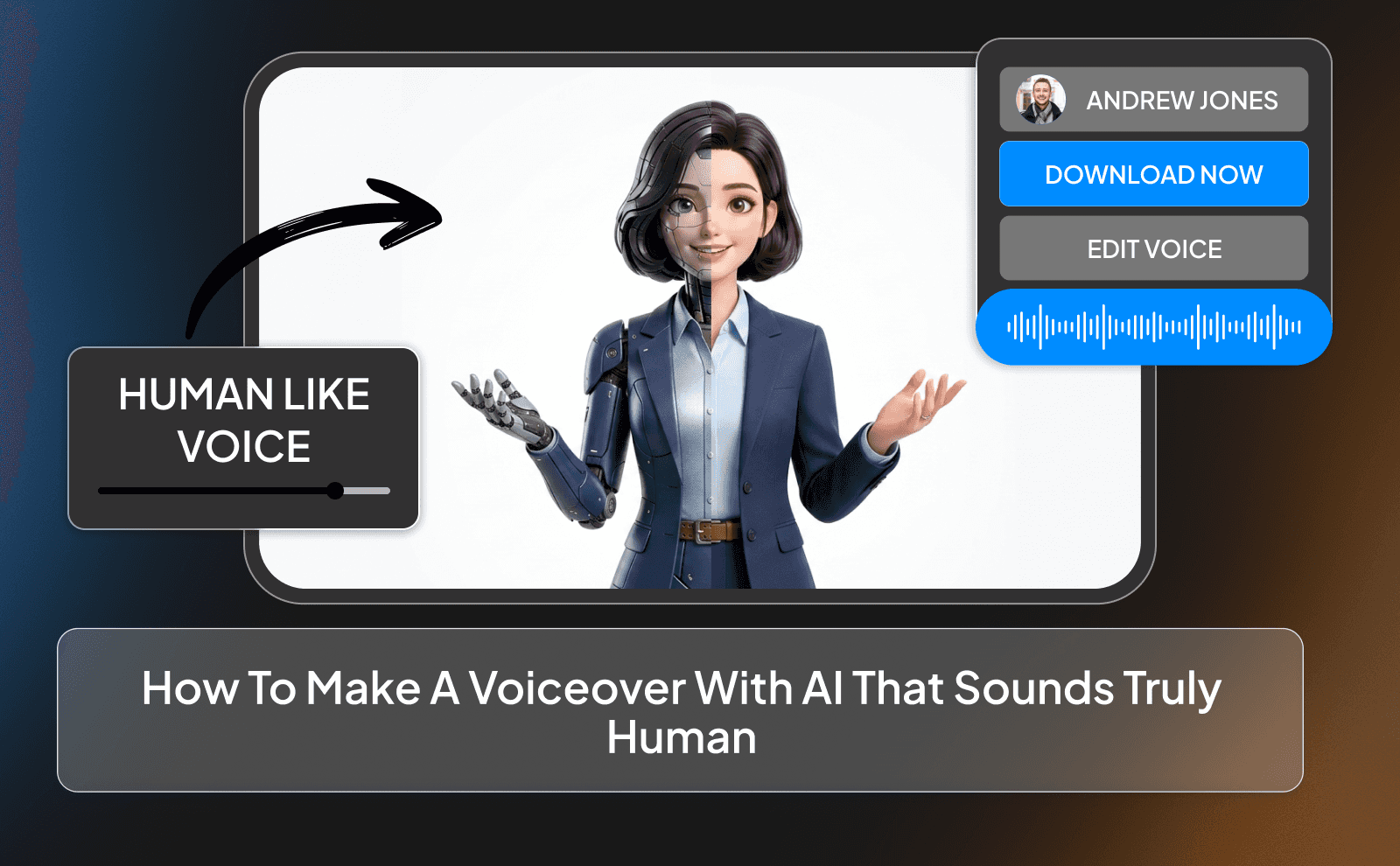
The secret isn’t just the tool, it’s how you write and structure your script. If your script sounds robotic, the voice will too. Focus on writing like you speak, with natural rhythm and flow. Imagine explaining something to a friend. That’s the tone you want.
Also, don’t try to sound “perfect.” Real speech has small variations and pauses. When your script feels natural, the AI can deliver it in a way that actually sounds human.
Using Punctuation And Pauses The Right Way
Punctuation is more powerful than people think. A comma adds a small pause, a period adds a full stop, and line breaks can control the rhythm of your voiceover. You can literally change how the AI speaks just by how you write.
If everything is written in one long sentence, it will sound rushed and unnatural. But if you space things out properly, the voice feels calm, clear, and easy to listen to.
Common Errors To Avoid When You Crate Voiceover Without Recording
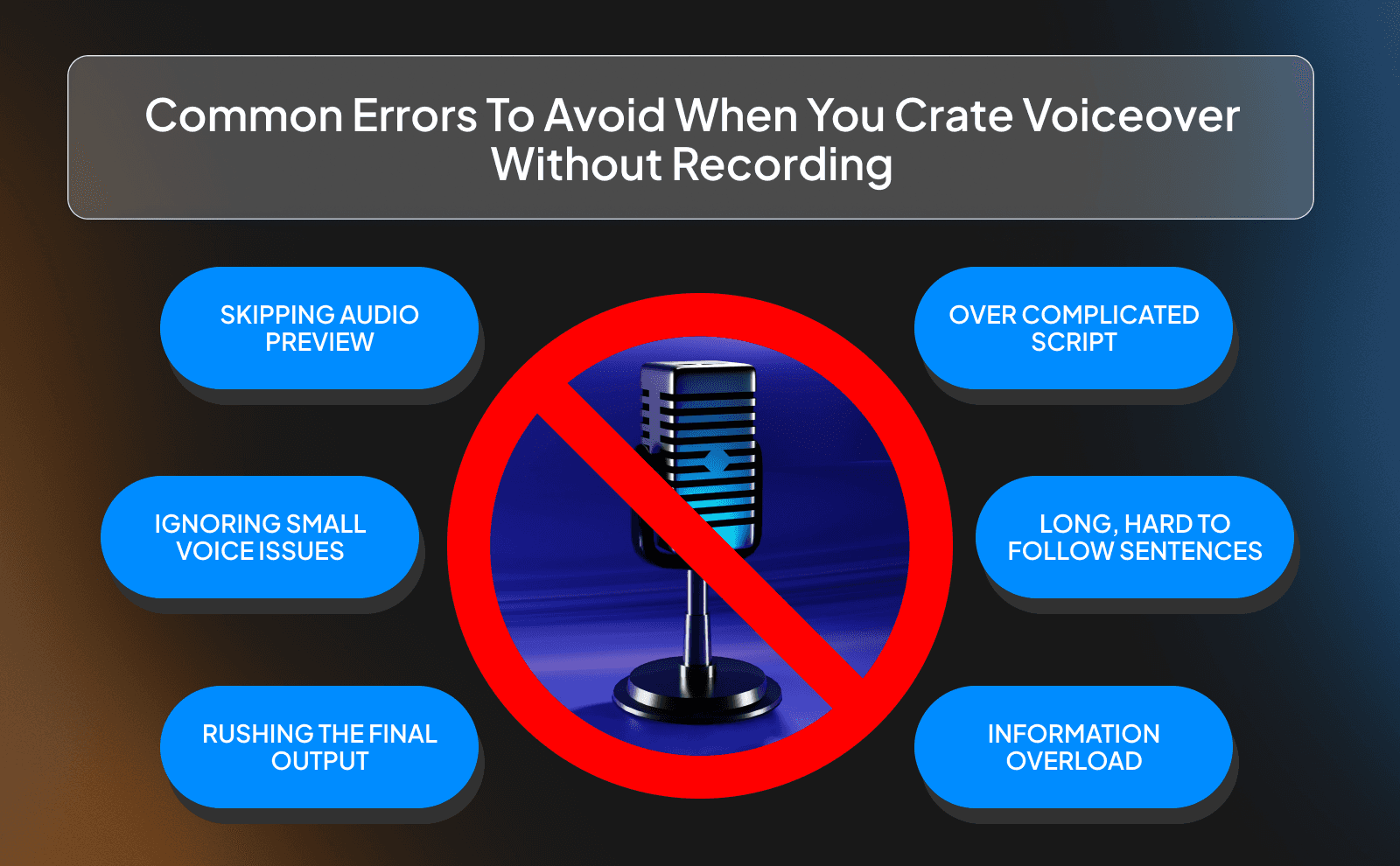
One big mistake is overcomplicating the script. Long sentences, big words, and too much information in one go will make the voiceover hard to follow. Keep it simple and focused.
Another mistake is skipping the preview. A lot of people generate the audio once and move on. Always listen first. Catch small issues early so your final content feels clean and professional.
How To Add AI Voiceover To Video Without Any Complicated Editing?
You don’t need advanced editing skills to add voiceover to a video anymore. Most tools now let you upload your audio and place it directly on a timeline with your clips. It’s mostly drag and drop.
The key is to keep things simple. Start with your voiceover as the base, then add visuals that match what’s being said. You don’t need fancy effects, just clear visuals that support your message.
Syncing Your Audio With Video Clips And Subtitles
Good syncing makes your video feel smooth and professional. Match your clips to what’s being said in the voiceover. If the voice mentions something, show it on screen at the same time. That keeps viewers engaged through the entire video.
Subtitles also help a lot, especially for short videos. Many people watch without sound, so adding text makes sure your message still gets across. It also makes your content easier to follow.
Matching Voiceover Timing And Visuals, Music, And Sound Effects
Timing is everything. If your visuals are too slow or too fast compared to the voice, it feels off. Try to match the pace so everything flows together naturally.
Music and sound effects should support the voice, not overpower it. Keep the volume low and simple. The voiceover is the main focus, everything else is just there to make it better.
Real Places Where You Can Use A Voiceover Generated From Script
AI voiceovers can be used almost anywhere you need content. If you’re creating videos, teaching something, or promoting a product, this makes the process faster and easier. It’s flexible and works across different platforms.
The best part is you can reuse your scripts in different ways. One script can become a YouTube video, a short clip, or even an ad. That means more content without starting from scratch every time.
YouTube Videos, Faceless Channels, And Shorts
This is where AI voiceovers really do a great job. If you don’t want to show your face or use your voice, you can still create high-quality content. Just write a script, generate the voice, and build your video around it.
It’s perfect for consistent posting. You can create multiple videos quickly, test different ideas, and grow your channel without needing a full setup.
Online Courses, Tutorials, And Explainer Videos
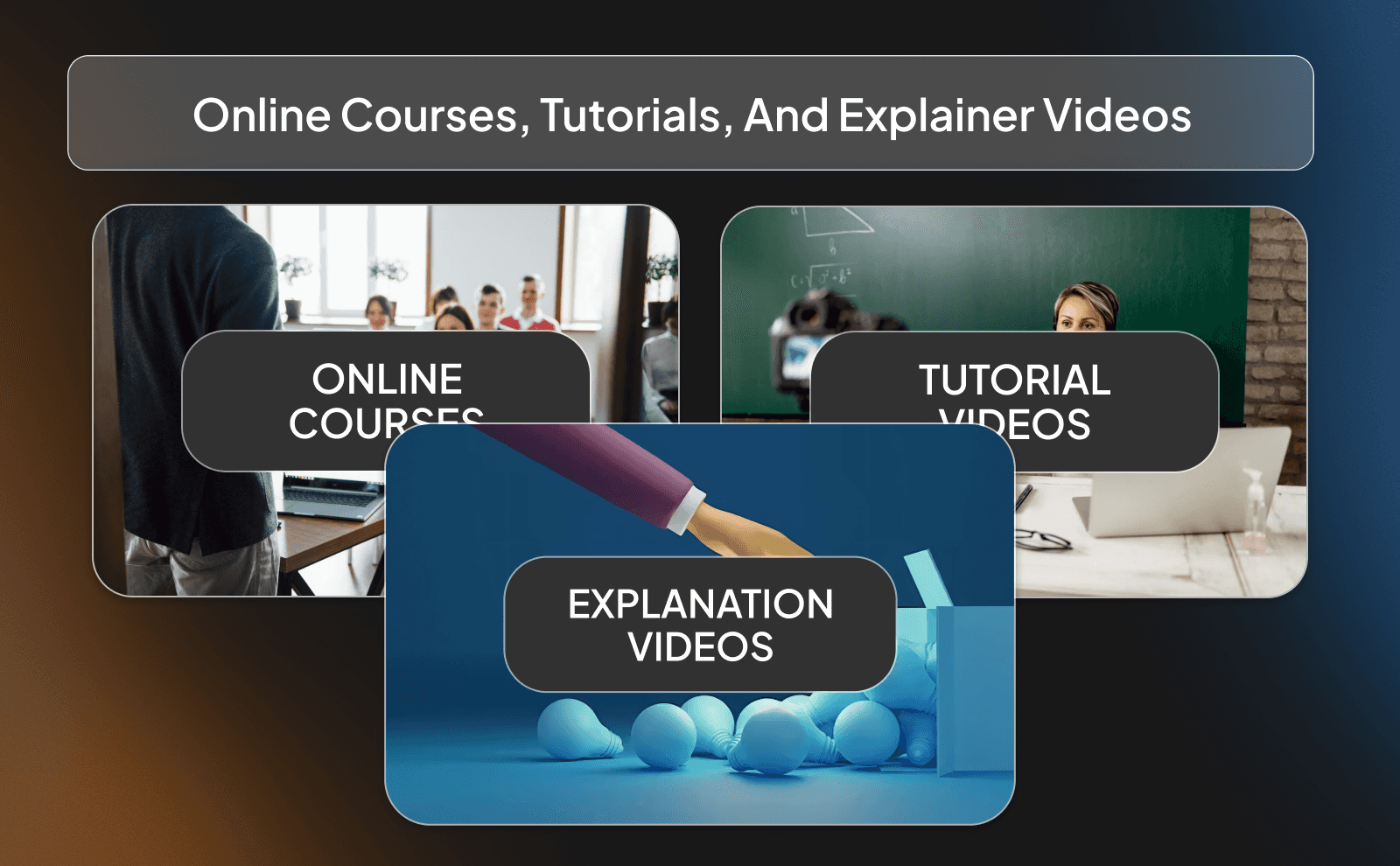
If you’re teaching something, clear audio is everything. AI voiceovers help you deliver your message in a clean, professional way without worrying about recording quality.
You can update your content easily too. If something changes, just edit the script and regenerate the audio. No need to re-record entire lessons.
Ads, Product Demos, And Social Media Clips
For ads and short content, speed matters. AI voiceovers let you create and test different versions quickly. You can try different scripts, tones, and styles without extra effort. Using AI for marketing video content can make your promotional videos much more effective.
This helps you find what works faster. Instead of spending hours on one version, you can create multiple variations and see which one performs best.
Conclusion
At the end of the day, AI voiceover is really about making things easier and faster without lowering quality. You don’t need expensive gear, you don’t need a perfect voice, and you don’t need hours to record and edit anymore. You just need a clear idea and a solid script, and you can turn that into clean, professional audio in minutes.
If you use it the right way it can sound just as natural as a real person. And when you combine it with tools that also help you create videos, you’re giving yourself the ability to create more content, stay consistent, and actually grow faster without burning out.
Frequently Asked Questions
How Do I Create An AI Voiceover Without Using A Microphone
Write your script, paste it into an AI tool, choose a voice, and generate the audio no mic needed.
What Is The Best Voiceover AI Tool For Beginners in 2026
The best tool is one that’s simple, fast, and has natural-sounding voices without confusing settings.
Can I Make A Voiceover With AI For My YouTube Videos
Yes, you can use AI voiceovers for YouTube videos, especially for faceless or educational content.
How Do I Generate Voiceover Form Script In Just A Few Minutes
Paste your script into the tool, pick a voice, adjust settings if needed, and click generate.
Does script To Voiceover AI Sound As Good As A Real Voice Actor
With a good script and the right voice, it can sound very close and sometimes just as good.
How Do I Add AI Voiceover To Video Without Using Complex Editors
Upload your audio into a simple video tool, place it on the timeline, and match it with your clips.
Can I Use Automated Voiceover Creation For Commercial Projects
Yes, most AI tools allow commercial use, but always check their license to be sure.
What Is The Best AI Voice For Video Production For Long-Form Content
A clear, calm, and natural voice works best for longer videos.
How Does VidRush Help Creators Make Voiceovers And Videos Together
It lets you turn a script into both voiceover and video in one place without having to use multiple AI tools.
Create AI voiceovers without a microphone using scripts for clean, natural, and professional audio in minutes for videos and content.