
Noah Morris
Co-Founder

What Is An AI Video Editor & How Faceless YouTubers Are Using It To Edit Videos In 2026
Most people don’t quit YouTube because they run out of ideas, they quit because the process drains them. You sit down to make one video, and suddenly you’re stuck for hours cutting clips, fixing timing, adding captions, searching for visuals… over and over again. And the worst part is, you have to repeat that same process every single day if you actually want to grow. It starts feeling less like building something exciting and more like doing boring, repetitive work that never ends.
That’s exactly why AI video editors are blowing up right now. Instead of doing everything manually, you can let AI handle most of the heavy work. cutting, syncing, adding clips, captions, all of it. You focus on the idea and the message, and the tool builds the video around it. What used to take hours can now take minutes, and that completely changes everything.
The Rise Of The AI Video Editor In The Faceless YouTube Automation Space
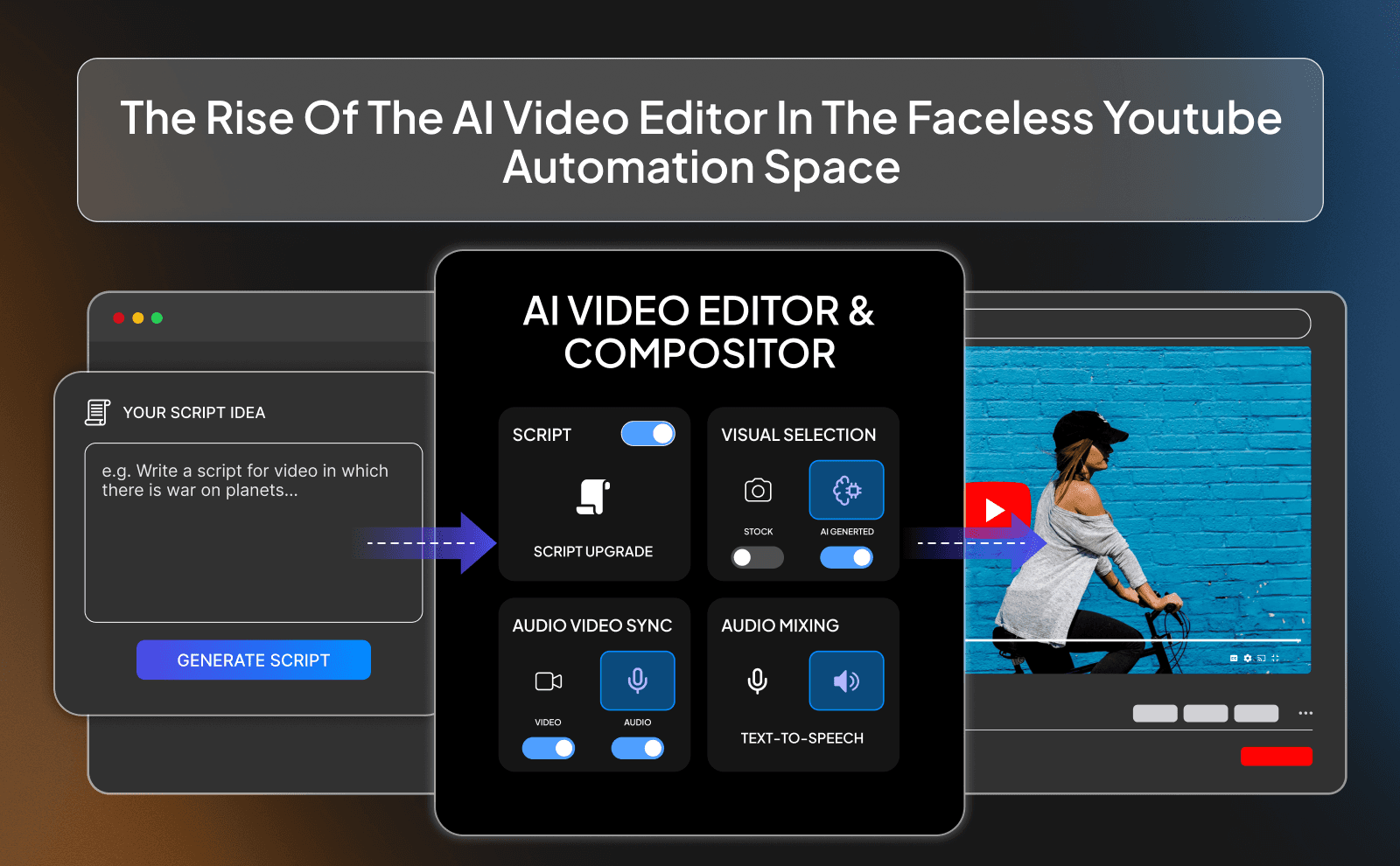
A few years ago, if you wanted to run a faceless YouTube channel, you had to either learn editing yourself or pay someone to do it. That meant spending hours cutting clips, adding subtitles, syncing music, and fixing mistakes. It was slow, and honestly… kind of boring after a while. Most people quit before they even got good because the work felt endless. Now AI video editors are changing that completely. You can take a script, drop it into a tool, and it will build a full video for you.
Because of this, the barrier to entry is way lower. You don’t need crazy editing skills anymore to start a channel. That’s why you’re seeing so many new faceless channels popping up and getting views fast. Launching a successful faceless YouTube channel has never been easier with these tools. The people winning right now are the ones who move fast, test ideas, and stay consistent. AI lets you focus on what actually matters: good ideas, strong hooks, and videos people want to watch. Editing is no longer the hard part.
What Is AI Video Editing In Simple Words?
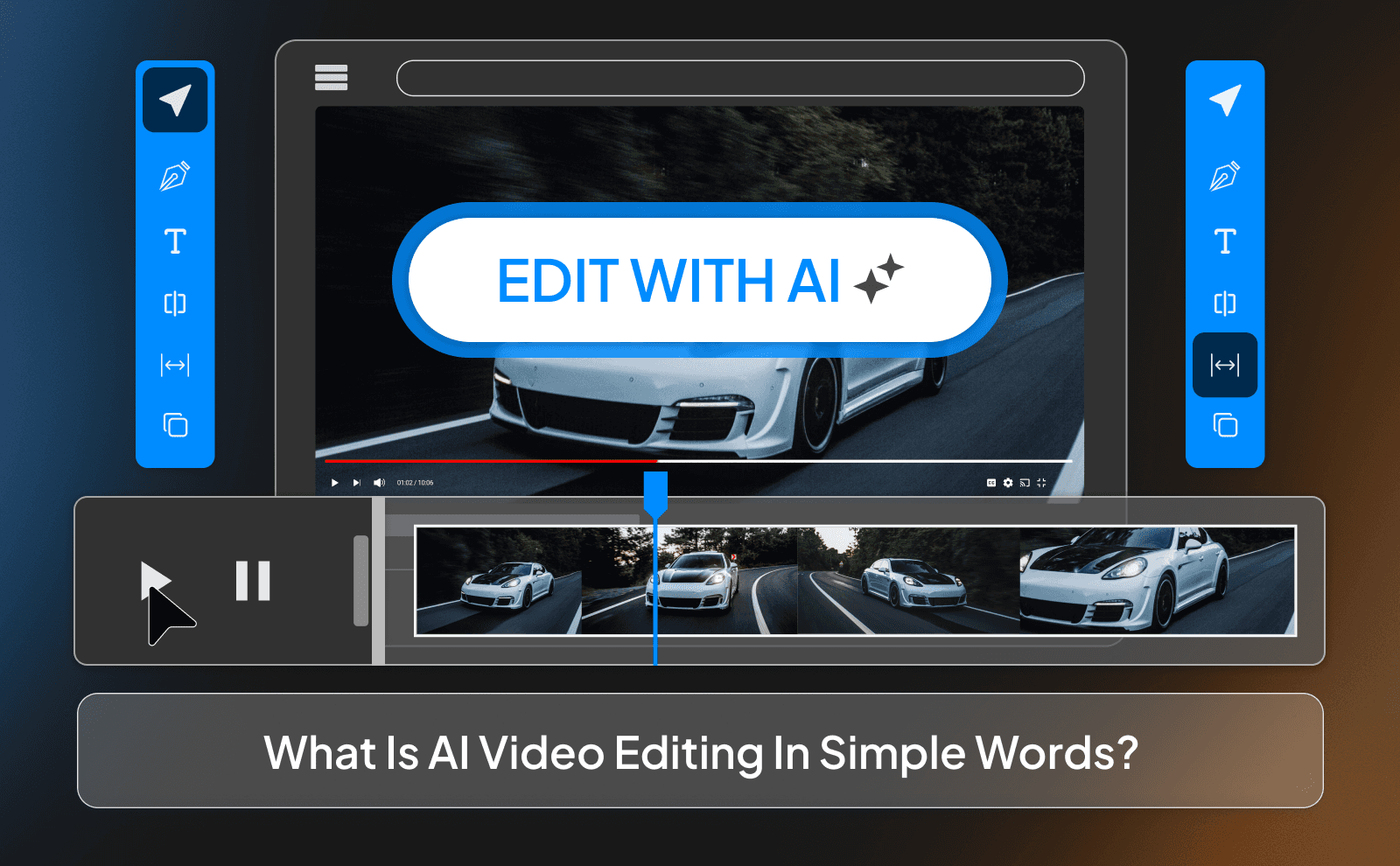
AI video editing is basically having a smart assistant that edits your videos for you. Instead of you dragging clips around and adjusting every little thing, the AI does most of it automatically. You give it a script or some instructions, and it finds visuals, adds subtitles, picks music, and puts everything together in a clean way. It’s like telling someone “make me a video about this,” and they actually do it in minutes.
Think of it like this: normal editing is cooking everything from scratch, cutting vegetables, seasoning, waiting, doing all the work yourself. AI editing is more like ordering a meal. You still choose what you want, but you don’t have to do all the heavy work. You still need good ideas and direction, but the technical part becomes super easy.
Why Faceless YouTubers Are Moving Away From Manual Editing?
Manual editing just takes too long. If you’re trying to grow a channel, you need to post a lot of videos, test different ideas, and stay consistent. But if every video takes you 6 hours to edit, you’re going to burn out quickly. Most people don’t quit because they lack ideas, they quit because the process is too slow and exhausting. Faceless creators especially don’t want to spend all their time editing when they could be focusing on growing the channel.
Another big reason is speed. On YouTube, timing matters. Trends come and go fast. If it takes you days to edit one video, you’re already late. AI editing lets creators move quickly, post more often, and test more content. The more you post, the faster you learn what works. That’s why people are leaving manual editing behind.
How AI Editing Software For Content Creators Is Changing The Game?
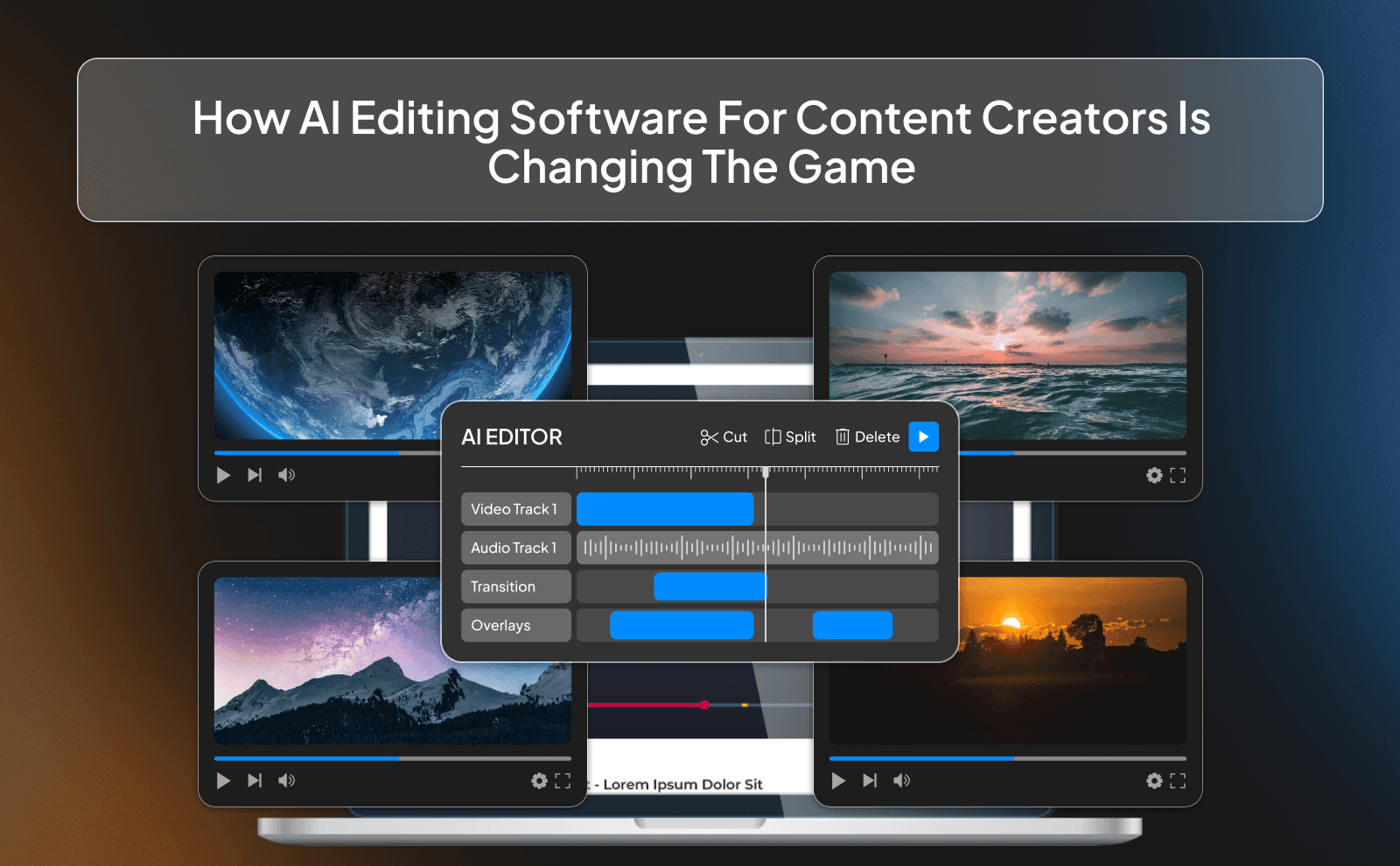
AI editing software is making content creation feel less like hard work and more like a system. Instead of thinking, “I need to edit this whole video,” creators now think, “I just need a good idea and a script.” Once they have that, the AI handles most of the rest. This works best when paired with an AI script generator. This means people can run multiple channels at once, upload more videos, and scale way faster than before. What used to require a team can now be done by one person.
It’s also changing who can succeed. Before, the advantage was having editing skills or money to pay editors. Now, the advantage is creativity and consistency. Anyone with a laptop and internet can compete. That’s powerful, but it also means more competition. So the real game is no longer “who edits the best,” it’s “who understands people the best.”
How AI Video Editor Works From Raw Footage To Final Cut?
At the start, all you have is raw stuff. your script, maybe a voiceover, and some clips or images. Normally, this is where the hard part begins. You’d have to sit there, line everything up, cut out mistakes, and slowly build the video piece by piece. But with an AI video editor, you just upload everything and tell it what you want. The AI looks at your script or voiceover, understands the flow, and starts building the video for you. It’s fascinating to see how how AI video generation works under the hood.
Then comes the clean-up. The AI trims out dead space, adjusts timing so things don’t feel awkward, and makes sure everything flows smoothly. Instead of spending hours fixing tiny details, you’re just reviewing and tweaking. It’s like the AI gives you a “first draft” of your video, and you just improve it instead of starting from zero. That’s the real power.
How AI Reads Voiceovers, Scripts, And Stock Clips?
AI doesn’t just randomly throw clips together, it actually tries to understand what your video is about. When you upload a voiceover or script, it scans the words and figures out the meaning behind them. If your script talks about money, business, or fitness, the AI will look for visuals that match those topics. It’s not perfect, but it’s way better than manually searching for every single clip yourself.
It also connects the timing between your voice and the visuals. So when your voiceover says something important, the AI tries to show something relevant at that exact moment. This makes the video feel natural instead of random. Instead of you thinking “what clip should I put here?”, the AI already gives you a strong starting point.
Auto Cuts, Silence Removal, And Smart Scene Detection

One of the most annoying parts of editing is cutting out mistakes and silence. If you’ve ever recorded a voiceover, you know there are always pauses, mess-ups, or moments where nothing is happening. Doing this manually takes forever. AI handles this instantly. It detects silence and removes it, tightens up your audio, and keeps the video moving so it doesn’t feel slow or boring.
Smart scene detection is another big one. Instead of watching your whole video and deciding where to cut, the AI can detect natural breaks and switch scenes at the right moments. This keeps the pacing smooth and engaging. The end result is a video that feels faster and more professional without you spending hours trying to perfect every cut.
How An AI Powered Video Editor Adds Captions, Music, And B Roll?
Captions used to be something people skipped because it took too long. Now AI adds them automatically, word for word, synced perfectly with your voice. This is huge because captions keep people watching longer, especially on mobile. You can also style them in a few clicks instead of designing everything from scratch.
The same goes for music and B roll. The AI can suggest background music that fits the mood of your video and adjust the volume so it doesn’t take over your voice. It also adds extra clips (B roll) to make your video more interesting instead of just showing one thing the whole time. Instead of building all of this manually, you get a full video in minutes, and then you just tweak it to match your style.
How VidRush Helps Faceless YouTubers Edit And Publish Faceless YouTube Videos Faster?

VidRush is built for one thing: speed. Instead of jumping between different tools for voiceovers, editing, captions, and uploading, it puts everything in one place. You can go from an idea to a finished video without switching tabs 10 times. That alone saves a lot of time and keeps you focused.
It also removes a lot of the small steps that slow creators down. Things like formatting, exporting, and preparing your video for YouTube are handled inside the platform. So instead of thinking “what do I do next?”, you just follow a simple flow. This is why people using tools like this can post way more often without feeling overwhelmed.
Building Full Faceless Videos With AI Editing Inside VidRush
With VidRush, you can build a full faceless video starting from just a script. You drop in your text, generate or upload a voiceover, and the AI starts putting everything together. Clips, captions, music, all of it. It’s like using the best AI video script generator for faceless videos to save hours of prep. It’s basically turning your idea into a complete video without needing five different tools.
What makes it useful is how everything connects smoothly. You don’t have to export from one app and import into another. Every step happens in one place, which keeps the process fast and simple. For faceless creators, that’s huge because it removes friction and lets you focus on creating more content instead of dealing with tools.
Why VidRush Fits Creators Who Run Channels At Scale?

If you’re running one channel, speed is helpful. But if you’re running multiple channels, speed becomes everything. VidRush is built for that kind of workflow. You can repeat the same process over and over without starting from scratch every time.
It also helps keep things consistent. When you’re posting a lot of videos, you don’t want each one to feel completely different in style. Having one system makes your content look clean and organized while still being fast to produce. That’s why it fits creators who think long term and want to scale, not just post one or two videos.
Why Do Faceless Creators Specifically Need An AI Video Editor For Faceless Videos?
Faceless content depends heavily on editing. Since you’re not showing your face, everything else has to carry the video. your voice, visuals, pacing, captions. That means editing isn’t just a step, it’s the whole video. Doing that manually over and over is exhausting and slows down your growth.
AI changes that by taking over most of the heavy lifting. Instead of spending hours building each video, you get a solid version quickly and improve it. This lets you stay consistent, which is the most important thing for growing a faceless channel. Without AI, most people just can’t keep up.
The Real Editing Pain Behind Every Faceless Channel
What people don’t see is how much work goes into each video behind the scenes. Finding clips, cutting them, syncing them with the voice, adding captions, it all adds up. One video can easily take 8 to 10 hours if you’re doing everything manually.
This is why so many faceless channels stop uploading. It’s not that they run out of ideas, it’s that the process becomes too much. AI solves this by removing the slowest parts. It turns editing from a full-day task into something you can do in a short session.
Matching Visuals With Voiceover The Easy Way Using AI
Matching visuals to a voiceover is one of the hardest parts of faceless content. You have to think about what people should see at every second of the video. Doing that manually takes a lot of mental effort and time.
AI makes this easier by suggesting clips that match your words. It won’t always be perfect, but it gives you a strong base to work with. Instead of building everything from scratch, you’re just adjusting and improving. That alone can save hours on every video.
Saving 10 To 15 Hours A Week On Each Video You Publish
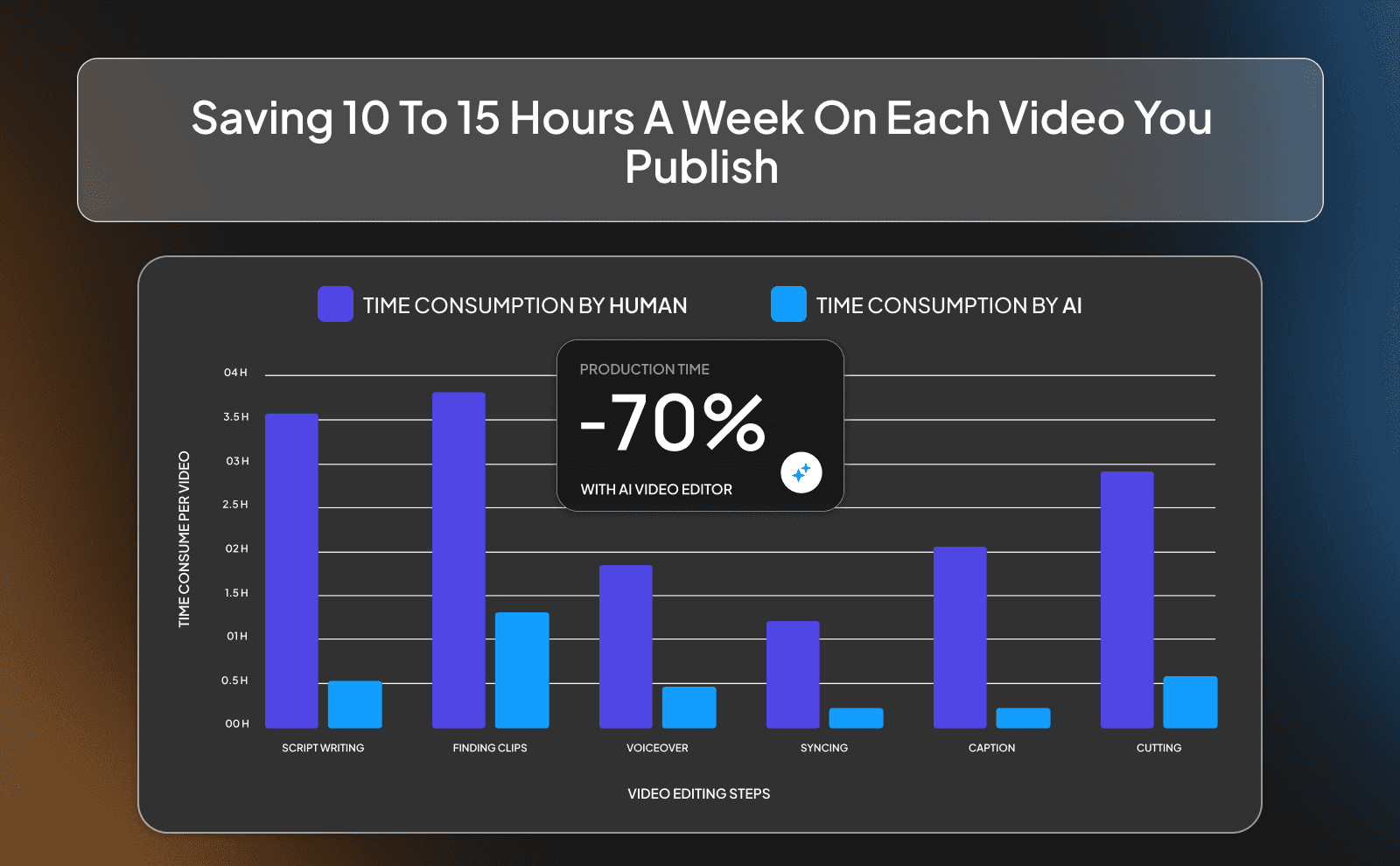
When you add everything up, cutting, syncing, captions, finding clips, you’re easily spending 10 to 15 hours on one video. That’s time you could use to plan better content, test new ideas, or even just rest.
AI gives that time back. Even if it only cuts your editing time in half, that’s still a huge win. Over a week or a month, that saved time adds up fast. And the more videos you make, the more valuable that time becomes.
Must Have Features In The Best AI Video Editor 2026
You want something that can handle your script, voice, visuals, captions, and export without needing extra tools. If you’re still jumping between apps, you’re losing time.
You also want control. Even though AI does most of the work, you should still be able to tweak things easily. The best tools give you a strong starting point but let you adjust details so your videos don’t all look the same.
Auto Captions, Subtitles, And Translation Built In
Captions are no longer optional, they’re a must. A lot of people watch videos without sound, especially on their phone. If your video doesn’t have captions, you’re losing attention right away.
Good AI tools generate captions automatically and even let you translate them into other languages. This helps you reach a bigger audience without doing extra work. It’s a simple feature, but it makes a big difference.
Voice Cloning, Text To Video, And AI Voiceover Inside The Editor
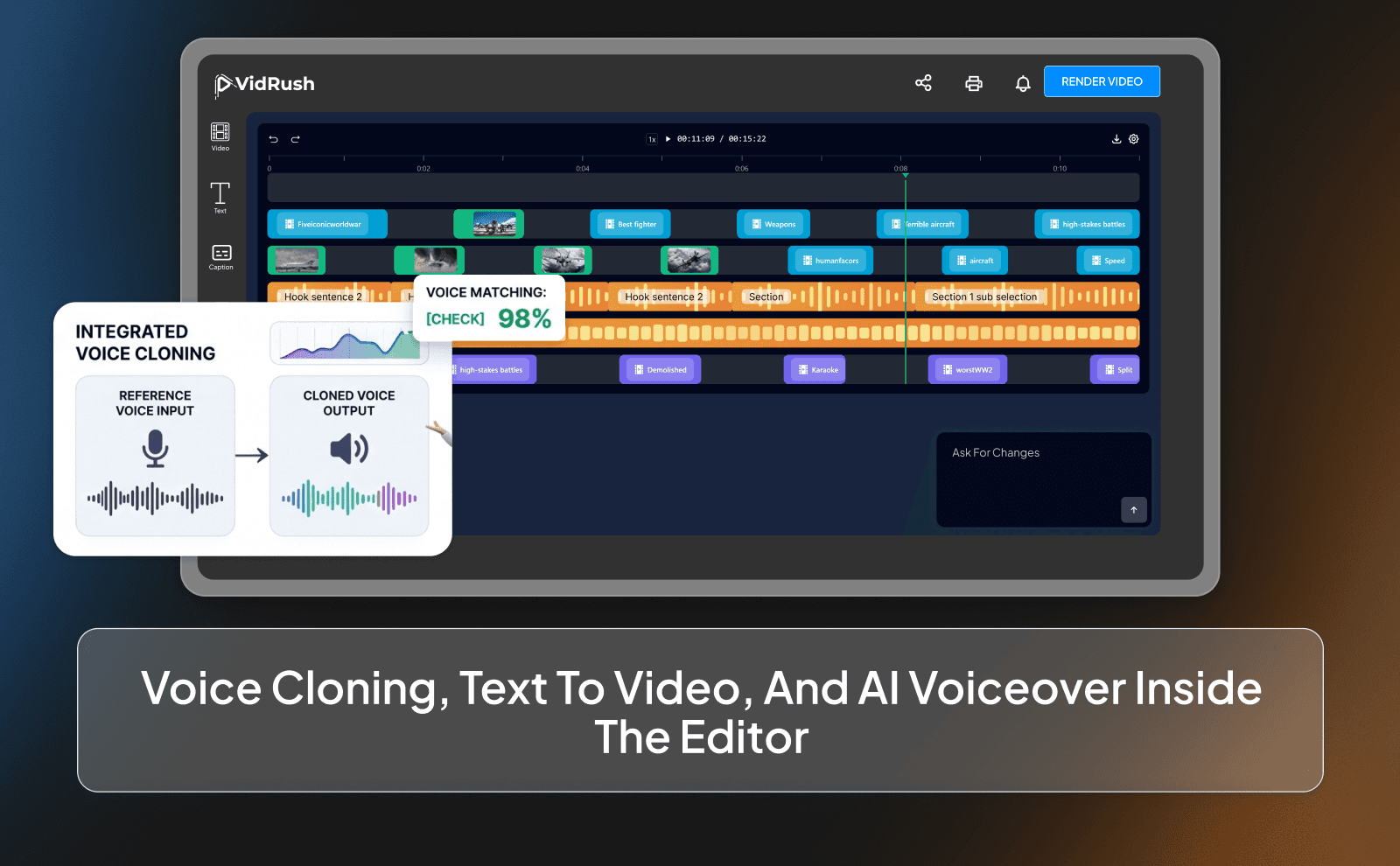
Some AI editors now let you create voiceovers without recording anything. You can type your script and get a natural-sounding voice in seconds. Some even let you clone your own voice so everything stays consistent.
Text to video is another big feature. You can turn a script into a full video without manually adding clips. These tools are getting better fast, and they make content creation way more accessible, especially for beginners.
Smart B Roll, Stock Library, And One Click Format Resizing
Finding good clips used to take forever. Now AI tools come with built-in libraries and smart suggestions, so you don’t have to search manually for every visual.
They also let you resize your video for different platforms in one click. So you can turn a YouTube video into a short or a vertical clip without re-editing everything. This makes it easier to get more content out of one video.
Top AI Video Editing Tools Faceless YouTubers Use Right Now
Right now, there are a lot of AI editing tools out there, and each one has its strengths. Some focus on speed, others on quality, and some try to do everything. The best choice depends on how you create your content.
Most faceless YouTubers don’t stick to just one tool. They test a few, see what fits their workflow, and then double down on what works. The key is finding something that helps you move faster without lowering your quality.
AI Video Editor Online Tools That Run In The Browser
Browser-based tools are popular because they’re simple. You don’t need to download anything, and you can work from anywhere. This is great for beginners or people who want a quick setup.
The downside is that they can be limited compared to desktop software. But for many faceless creators, the speed and convenience are worth it. You can create and publish videos without worrying about technical stuff.
Desktop AI Video Editing Software For Long Form Channels
Desktop tools are usually more powerful. They handle longer videos better and give you more control over details. If you’re making long-form content, this can be important.
They might take a bit longer to learn, but they give you more flexibility. Many creators start with simple tools and then move to desktop software as their channel grows.
Free VS Paid AI Video Editing Tools And What You Actually Get
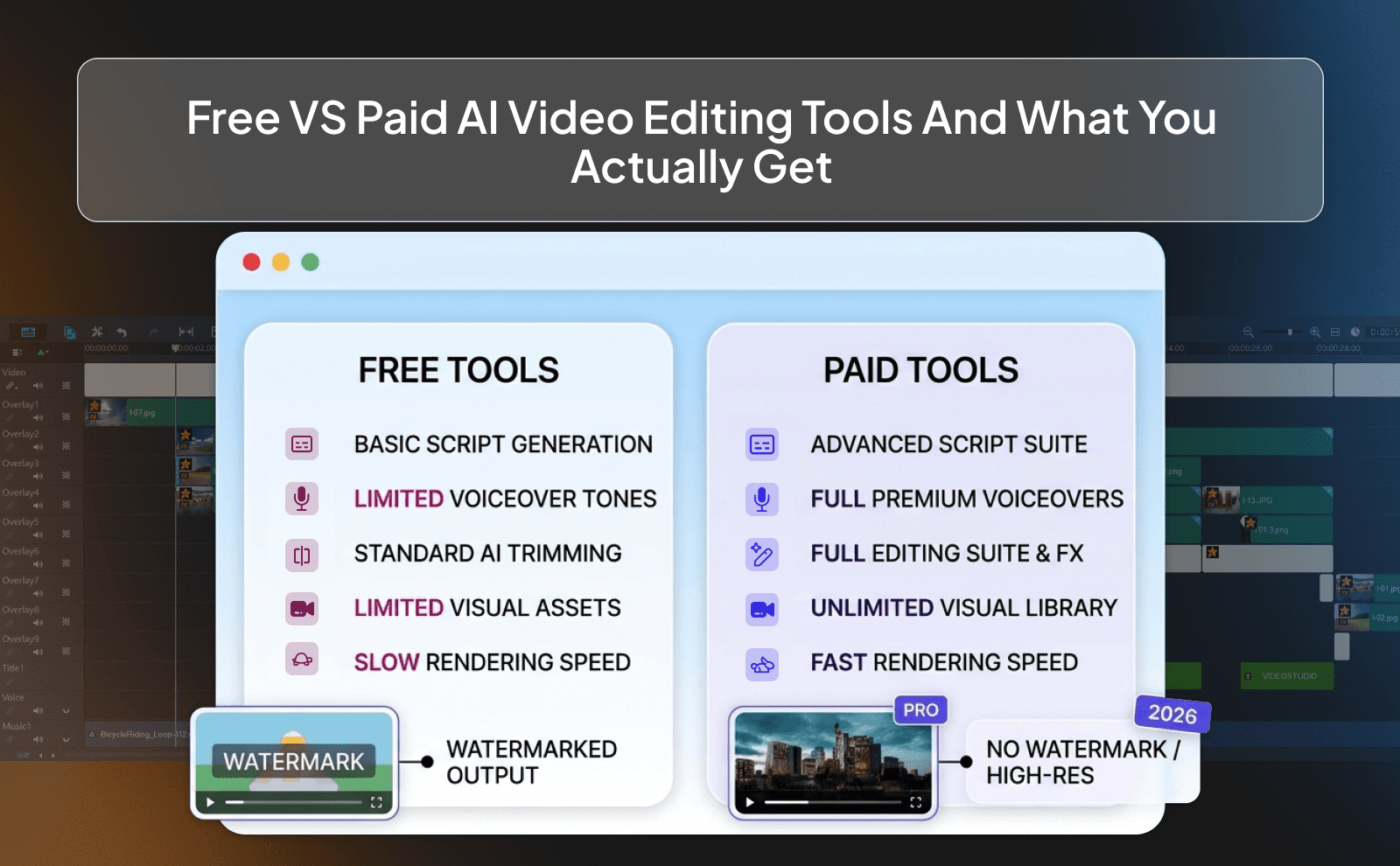
Free tools are great for starting out. They let you test ideas and learn the basics without spending money. But they often come with limits. watermarks, fewer features, or slower processing.
Paid tools remove those limits and save you more time. If you’re serious about growing a channel, they’re usually worth it. The goal isn’t just to save money, it’s to save time and get better results faster.
Step By Step How Faceless YouTubers Use An Automated Video Editor
The process is simple once you understand it. First, you come up with an idea and write a script. Then you either record or generate a voiceover. Some also experiment with an AI ad script generator for promotional content. After that, you upload everything into your AI editor.
From there, the AI builds your video. You review it, make small changes, and then export it. What used to feel complicated becomes a repeatable system you can follow every time.
Uploading Your Script, Voiceover, And Visual Assets
This is the starting point. You gather everything your video needs and upload it into the tool. The more clear your script is, the better the result will be.
You don’t need perfect assets. The AI can fill in gaps with stock clips and suggestions. This makes the process easier, especially if you’re just starting.
Letting AI Build The Rough Cut And Timeline For You
Once everything is uploaded, the AI gets to work. It creates a rough version of your video with clips, captions, and timing already in place.
This saves you from staring at a blank timeline. Instead of building from zero, you’re working with something that’s already 70–80% done.
Adding Final Touches Before You Hit Publish On YouTube
The last step is reviewing and improving. You check if the visuals match, adjust pacing, and maybe change a few clips.
This is where you add your personal touch. The AI does most of the work, but you make sure the final video actually feels good to watch.
Real Workflows From Faceless Channels Using AI Video Editing
Going From One Video A Week To Four Or More Per Week
When editing becomes faster, posting more becomes possible. Instead of one video a week, creators can post multiple times.
More videos mean more chances to go viral and learn what works. This is one of the biggest advantages of using AI.
Editing Long Form, Shorts, And Repurposed Clips In On Flow
AI tools make it easy to turn one video into multiple pieces of content. You can create a long video and then cut it into shorts.
This helps you get more value from your work. Instead of creating from scratch every time, you reuse and repurpose.
Managing Multiple Faceless Channels With One AI Editing Setup
Once you have a system, you can repeat it across different channels. The same process works for different niches. This is how some creators run multiple channels at once. AI makes it possible without needing a big team. Creators often rely on AI tools for faceless yt videos to streamline every step.
Mistakes Faceless Creators Make With AI Video Editing Tools
Trusting Auto Edits Without Doing A Quality Check
One of the biggest mistakes people make with AI editing is treating it like it’s always right. The AI gives you a full video, everything looks clean, captions are there, clips are placed… so you just export and upload. But here’s the problem: AI doesn’t really understand your message the way you do.
Sometimes the visuals don’t fully match what’s being said, or the timing feels slightly off, or a key moment doesn’t hit as hard as it should. This is a clear example where AI vs human content creation still matters. These small issues might not seem like a big deal, but they add up and hurt your retention without you even noticing.
Using The Same Template For Every Single Video
Templates make life easier, especially when you’re trying to move fast. You find a style that works: same captions, same pacing, same type of clips, and you just reuse it for every video.
At first, this feels efficient. But after a while, your content starts to feel predictable. Viewers might not notice it consciously, but they feel it. Everything starts blending together, and your videos lose that “fresh” feeling that keeps people interested.
Conclusion
The whole point of AI video editing is simple. it takes the annoying, time-consuming part of YouTube and shrinks it down to almost nothing. You’re no longer stuck spending hours cutting clips, fixing timing, and doing repetitive work that doesn’t really move the needle. Instead, you can sit down, focus on your idea, get your video done quickly, and move on to the next one. And when you do that consistently, that’s when things start to click.
Frequently Asked Questions
What Is AI Video Editing In Simple Everyday Words
It’s like having a smart assistant that edits your video for you instead of you doing everything manually.
How Does AI Video Editor Work For Faceless YouTube Channels
You upload a script or voiceover and the AI builds the video with clips, captions, and timing automatically.
Is An AI Video Editor For Faceless Creators Better Than Editing Manually
For speed and consistency, yes but you still need to review and improve the final result.
Which AI Powered Video Editor Is The Easiest To Use For Beginners
Tools like VidRush are built to be simple and beginner-friendly with everything in one place.
What Is The Best AI Video Editor 2026 For Long Form YouTube Videos
The best one is the tool that balances speed, control, and quality for your workflow, not just features.
Are Free AI Video Editing Tools Good Enough To Grow A Channel
They’re good to start, but you’ll likely need paid tools to scale faster and remove limits.
Can An Automated Video Editor Really Replace A Human Video Editor
It can handle most of the work, but you still need human input for quality and creativity.
Is There A Good AI Video Editor Online That Works Without Any Download
Yes, many browser-based tools let you create and edit videos without installing anything.
What Is The Right AI Editing Software For Content Creators On A Tight Budget
Start with a simple tool that covers basics like captions and clips, then upgrade as you grow. VidRush is a good starting point.
How Long Does It Take To Edit A Faceless Video Using AI Editing Tools
Usually between 20 minutes to an hour depending on how much you tweak the final video.
How Does VidRush Help Faceless Creators Edit And Publish Videos Faster
VidRush combines editing, captions, and publishing in one flow so you can go from idea to upload much quicker.
Faceless YouTubers use AI video editors to cut, sync, add captions, and create videos faster while staying consistent and creative.