
Noah Morris
Co-Founder

How AI Voiceover for Faceless YouTube Channel Boosts Growth Fast In 2026?
A lot of people underestimate how much time and effort goes into recording voiceovers for a faceless channel. You need a quiet space, a decent mic, multiple takes, and then you still have to edit everything after. If you mess up one line, you either live with it or go back and re-record again. Over time, this slows you down a lot, and it becomes one of the main reasons people struggle to stay consistent with uploading.
That’s where AI voiceover completely changes everything. Instead of spending hours recording, you can turn your script into a clean, realistic voice in minutes. You can edit lines instantly, fix mistakes without starting over, and keep your workflow moving fast. This makes it much easier to stay consistent, post more often, and focus on growing your channel instead of getting stuck on recording.
What Is A Faceless YouTube Channel And Why AI Voiceover Matters?
A faceless YouTube channel is exactly what it sounds like. a channel where you don’t show your face on camera. If you are new to this model, learning how a faceless YouTube channel works will make the whole process easier to understand. Instead, you use things like stock footage, animations, screen recordings, or simple visuals while a voice explains the content. This works for a lot of niches like storytelling, motivation, finance, history, celebrity gossip, or tutorials. The focus is on the value of the content, not the person behind it, which makes it easier for a lot of people to get started.
This is where AI voiceover becomes really important. Since you’re not on camera, your voice is what carries the entire video. If the voice sounds boring or low quality, people click off fast. AI voice tools solve this by giving you clean, natural-sounding audio without needing a mic or recording setup. You can create professional voiceovers in minutes, which makes the whole process faster and easier. This is why choosing the right AI voice generator matters before you start publishing regularly.
Why Faceless Channels Are Growing In 2026?
Faceless channels are growing fast because they remove a lot of the barriers that stop people from starting. You don’t need to worry about your appearance, camera setup, lighting, or even confidence on camera. This makes it easier for beginners to jump in and start creating content without overthinking everything.
Another reason is scalability. Faceless content is easier to outsource and automate. You can have someone handle scripts, another person handle editing, and use AI for voiceovers. Using the right AI tools for faceless YouTube videos makes this kind of workflow much easier to manage. This turns your channel into more of a system instead of everything depending on you. That’s why a lot of people are building multiple channels at once instead of just one.
The Role Of AI Voice In Faceless Video Production
AI voice is basically the backbone of most faceless videos. It replaces the need to record your own voice or hire someone else every time you make a video. You just paste your script, choose a voice, and the AI reads it out in a natural way. This saves a lot of time and keeps your workflow simple.
It also gives you flexibility. You can test different tones, styles, and voices depending on your content. If one voice doesn’t perform well, you can switch it instantly without re-recording anything. This makes it easier to improve your videos over time and find what your audience likes.
Can You Really Build A Channel Without Showing Your Face?
Yes, you can 100% build a successful channel without ever showing your face. There are many channels getting millions of views using just voiceovers and visuals. What matters most is the quality of your ideas, storytelling, and how well you keep people interested in the content.
In fact, not showing your face can even be an advantage. It gives you privacy, removes pressure, and makes it easier to stay consistent. You’re not relying on your personality or appearance, you’re relying on your content. And with the help of AI tools, it’s easier than ever to make that content high quality.
Best AI Voice Tools For Faceless YouTube Automation
There are a lot of AI voice tools out there, but the best ones are the ones that sound natural and are easy to use. Tools like ElevenLabs are known for very realistic voices, while platforms like VidRush help you handle voiceover along with video creation in one place. The goal is to pick something that fits your workflow.
When choosing a tool, think about what you actually need. If you’re just starting, you might want something simple. If you’re scaling and posting a lot, you’ll want something faster with more features. The right tool can save you hours every week and make your content sound much more professional.
Free AI Voiceover Options To Start With
If you’re just getting started, there are free AI voice tools you can use to test things out. You can also compare a free AI voice generator first before moving to a paid option. These usually have limited features, but they’re enough to help you understand how everything works. You can create basic voiceovers and see how they perform before spending any money.
The downside is that free tools often have lower quality voices or usage limits. But they’re still a good starting point. Once you see results or start taking your channel seriously, you can move to better tools without feeling like you’re taking a risk.
Premium AI Voice Platforms That Scale
Premium AI voice tools are where things get more serious. You get better voice quality, more control over tone and style, and fewer limits. This is important if you’re uploading consistently or running multiple channels.
Tools like ElevenLabs and VidRush are popular because they help you scale. You can create more content faster without losing quality. Over time, this becomes a big advantage because consistency is what really grows a YouTube channel.
Which AI Voice Sounds Most Natural For YouTube?
The most natural AI voices right now come from tools like ElevenLabs. They sound smooth, human, and not robotic, which is exactly what you want for YouTube. A natural voice keeps people watching longer and makes your content feel more professional.
That said, the “best” voice also depends on your niche. Some channels work better with a calm and slow voice, while others need something more energetic. The key is to test different options and see what your audience responds to.
How To Use VIdRush To Run A Faceless YouTube Channel On Autopilot?
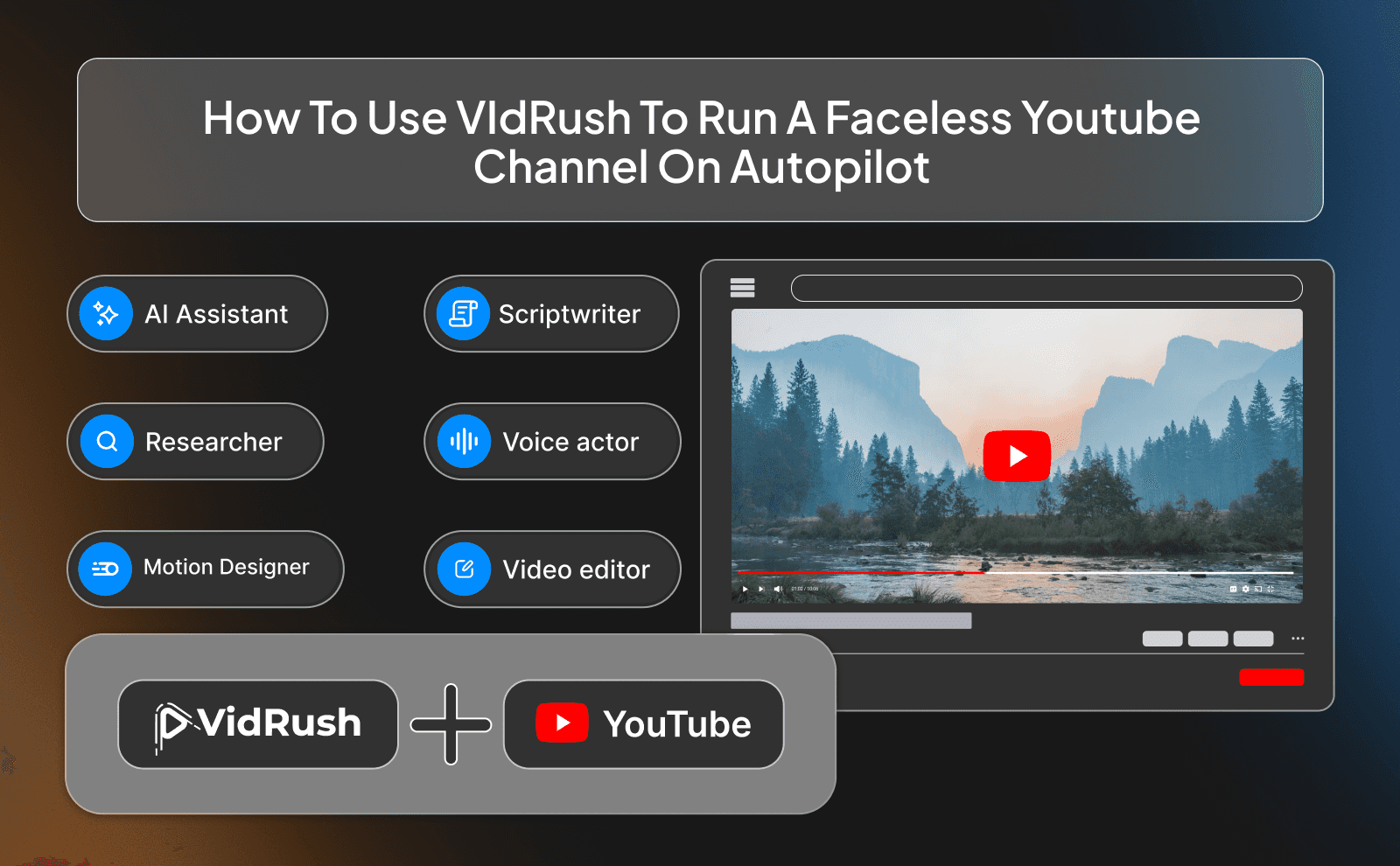
Running a faceless YouTube channel on autopilot is all about building a simple system you can repeat. With VidRush, you can take your idea, turn it into a script, generate a voiceover, and create a full video without doing everything manually. Instead of jumping between different tools, everything is in one place, which makes the whole process faster and easier to manage. A good script-to-video tool can also help you move from idea to finished video without wasting time.
The real advantage is consistency. Once you figure out your workflow inside VidRush, you can repeat it every time you make a video. This is how channels start posting daily without burning out. You’re not doing more work, you're just using a system that handles most of the heavy lifting for you.
Creating Full Videos With AI Voiceover Inside VidRush
VidRush lets you go from script to full video in a very smooth and easy way. You can input your script, choose a voice, and generate your voiceover in minutes. After that, you can add visuals, clips, and simple edits to match the audio, all inside the same platform.
This removes a lot of the usual friction. You don’t need separate editing software or complicated setups. Everything is designed to help you move quickly, which is perfect if you’re trying to stay consistent and upload often.
Why VidRush Is Built For Faceless Creators Who Post Often?
VidRush is especially useful for creators who want to post a lot of content without getting overwhelmed. It’s built around speed and simplicity, which is exactly what faceless creators need. You’re not trying to create one perfect video, you’re trying to create many good videos consistently.
It also helps you stay organized. When you’re posting often, things can get confusing fast. Having one tool that handles multiple steps keeps your workflow clean and repeatable, which makes a big difference over time.
How To Pick The Right AI Voice For Your Faceless Channel?
Match Your Voice To Your Niche
Different niches need different types of voices. A calm and slow voice works well for storytelling or history, while a more energetic voice fits better for motivation or fast-paced content.
Think about how you want your audience to feel. The voice should match that feeling. When everything aligns, your videos feel more professional and enjoyable to watch.
Testing Voices Before You Commit
Before sticking with one voice, test a few options. Create short samples and see how they sound with your content. Sometimes a voice sounds good on its own but doesn’t fit your style.
Testing helps you avoid wasting time later. Once you find a voice that works, you can stick with it and build consistency across your videos.
Avoiding Robotic Sounding AI Narrators
One of the biggest mistakes is using voices that sound too robotic. People notice it immediately and lose interest. Even if your content is good, bad audio can ruin it.
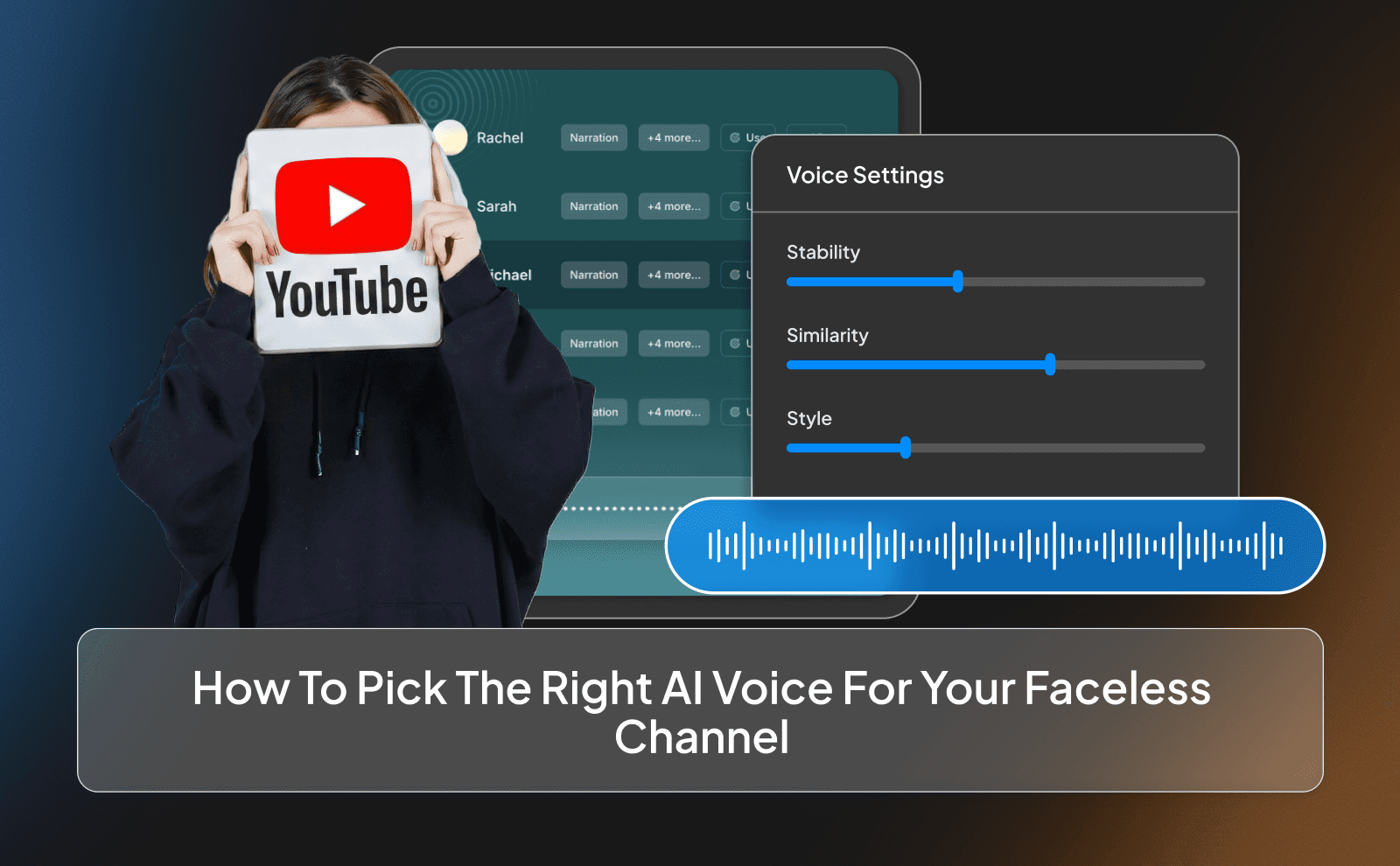
Stick to tools that offer high-quality voices and adjust settings like speed and tone if needed. A small tweak can make a big difference in how natural your voice sounds.
Setting Up Your Faceless YouTube Channel With AI Voiceover
Setting up your channel is simpler than it looks. You don’t need expensive gear or a complex setup. All you need is a clear idea, a script, and a way to turn that script into a voiceover.
Once you have those basics, everything else becomes easier. You can focus on improving your content instead of worrying about technical stuff.
Writing Scripts That Work With AI Voice
When writing scripts for AI voice, keep things simple and clear. An AI script generator can help you create cleaner scripts that sound better when turned into voiceover. Avoid long, complicated sentences because they don’t sound natural when spoken.
Write the way people talk. Short sentences, clear ideas, and smooth flow. This makes your voiceover sound more human and easier to follow.
Generating Your Voiceover In Minutes
With AI tools, generating a voiceover takes just a few minutes. You paste your script, choose a voice, and let the tool do the rest.
This saves a lot of time compared to recording manually. You can also make changes instantly without redoing everything, which keeps your workflow fast.
Synching AI Voice With Visuals And B Roll
Once your voiceover is ready, the next step is matching it with visuals. This can be stock footage, clips, or simple animations that support what you’re saying.
The goal is to keep things aligned. When your visuals match your audio, your video feels smoother and more engaging, which helps with watch time.
How AI Voiceover Helps You Scale Faceless YouTube Faster?
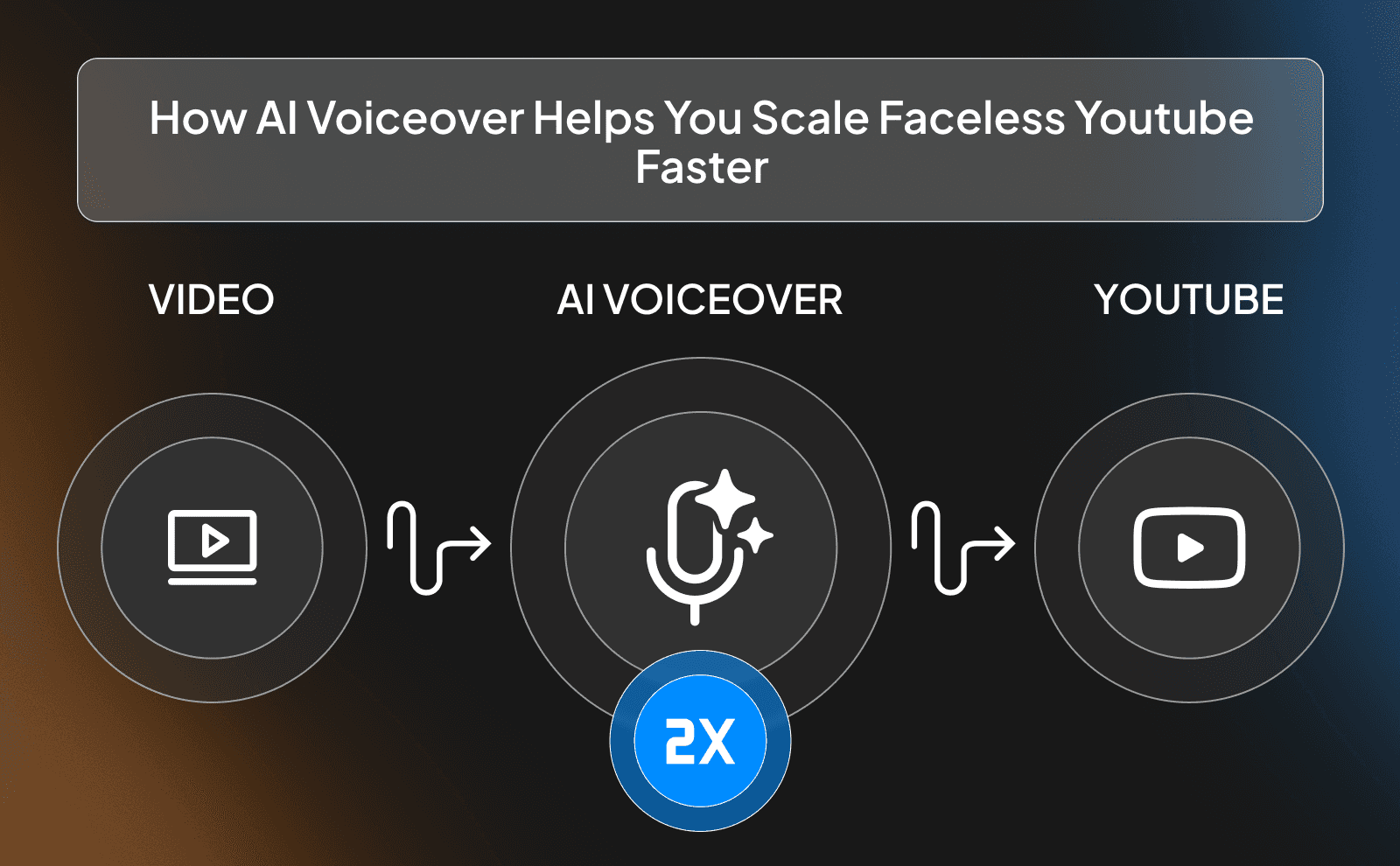
AI voiceover makes it possible to create more content without increasing your workload. You don’t need to record or edit audio manually, which saves a lot of time.
This lets you focus on ideas and consistency. And on YouTube, consistency is one of the biggest factors for growth.
Publishing More Videos Without Recording
Without AI, recording voiceovers can slow you down. You need a quiet space, good timing, and sometimes multiple takes.
AI removes all of that. You can publish more videos because you’re not limited by recording time. This gives you a big advantage over creators who still do everything manually.
Keeping Your Voice Consistent Across Hundreds Of Videos
Consistency is key for building a strong channel. If your voice keeps changing, it can feel unprofessional. AI voice tools let you use the same voice every time. This builds a consistent experience for your audience and makes your channel feel more polished.
Running Multiple Faceless Channels At Once
Once your system is set up, you can run more than one channel. Since you’re not recording manually, you can scale your output across different niches.
This is how some creators grow fast. They don’t rely on one channel, they build multiple streams of content at the same time.
Mistakes That Kill Faceless Channels Using AI Voice
Using Low Quality AI Voices That Viewers Notice
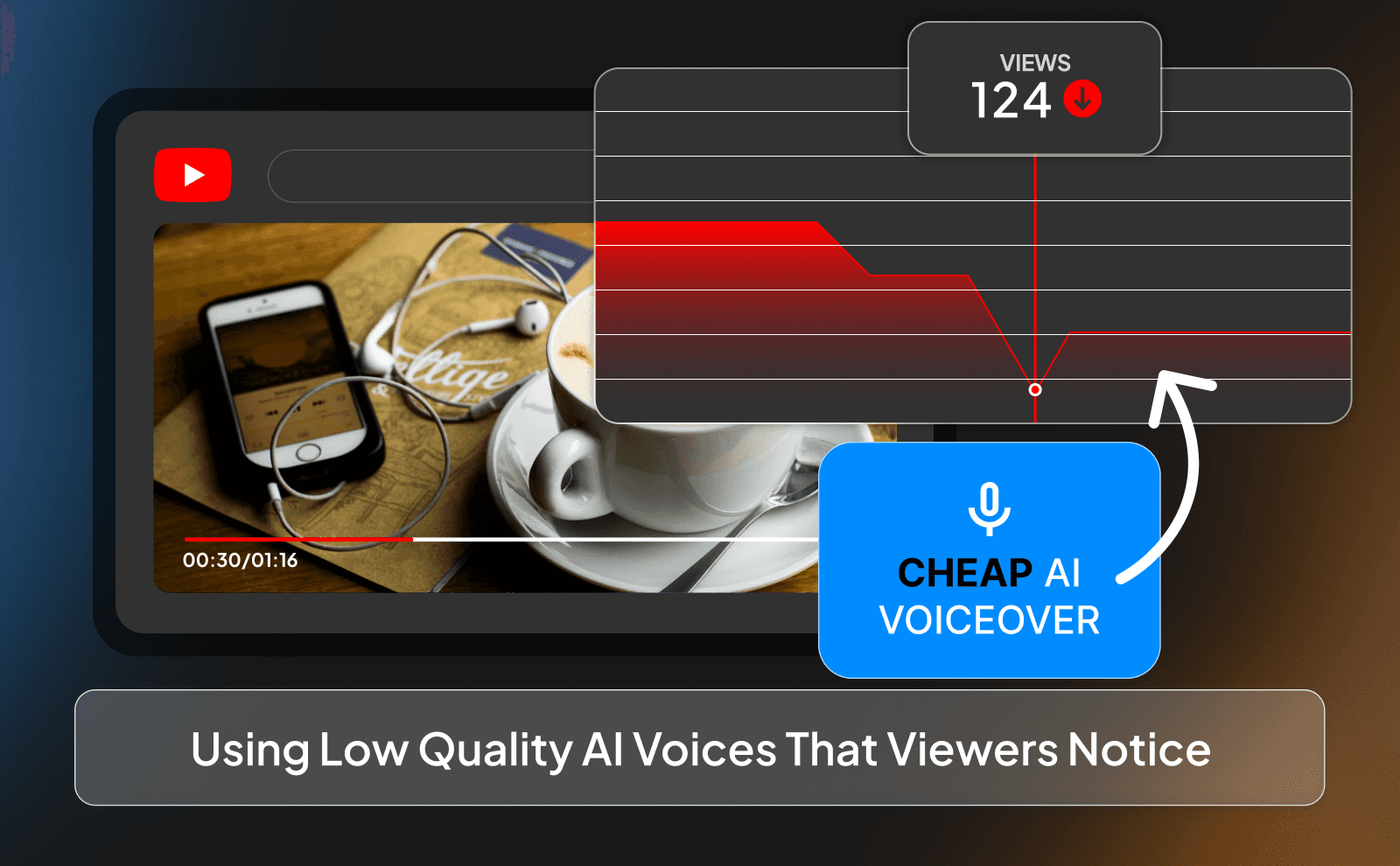
One of the fastest ways to ruin a faceless video is by using a low-quality AI voice. People might not always know why something feels off, but they can tell when a voice sounds unnatural, stiff, or robotic. It breaks immersion instantly. Instead of focusing on your content, the viewer starts focusing on how weird the voice sounds and that usually leads to them clicking off.
The fix is simple: choose better voices and actually test them. Don’t just pick the first option and move on. Listen to how it sounds with your script, adjust the speed, tone, and pacing, and make sure it feels natural. That small improvement alone can make a huge difference in retention.
Ignoring Video Retention And Watch Time
A lot of creators think uploading more videos is enough, but if people don’t watch your videos for long, it won’t matter. YouTube cares a lot about how long people stay on your content. If viewers click away after a few seconds, your videos won’t get pushed, no matter how many you upload.
That’s why you need to focus on keeping people engaged from start to finish. Your voice, pacing, and structure all play a role here. Start strong, keep things moving, and avoid boring or repetitive parts. Even with AI voice, you still need to think like a viewer “Would I actually watch this all the way through?” If the answer is no, you need to improve it.
Not Optimizing Titles And Thumbnails
Even the best video won’t perform if no one clicks on it. Titles and thumbnails are what get people interested in the first place. If they’re weak, your video won’t even get a chance, no matter how good the content is inside.
You should treat titles and thumbnails as part of the content, not an afterthought. Make them clear, interesting, and curiosity-driven. Test different styles and see what works. A strong thumbnail and title combination can completely change how your video performs, even if everything else stays the same.
Automate YouTube Voiceover Without Losing Quality
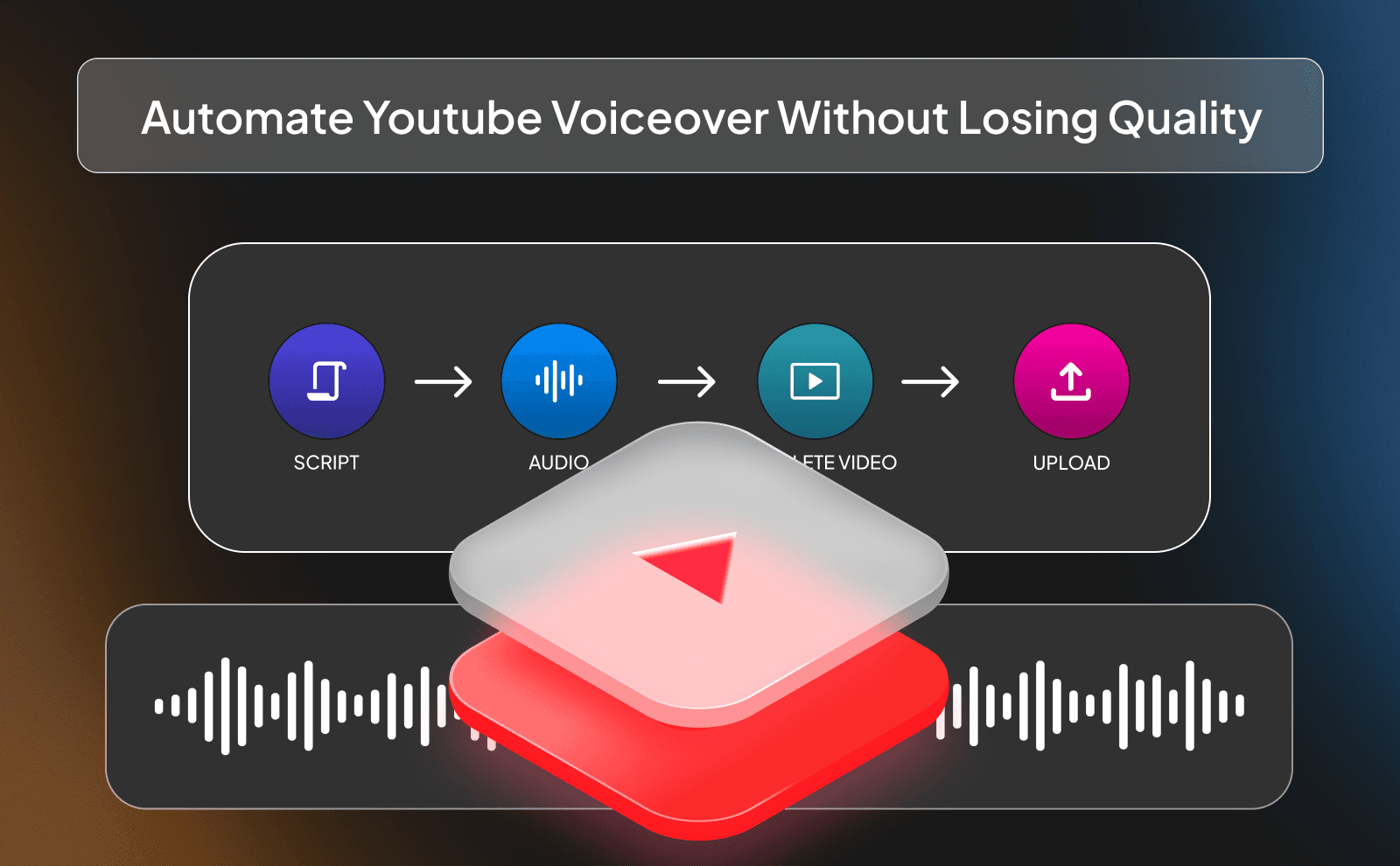
Automation is important, but if you overdo it, your content can start to feel generic and low effort. The goal is not to remove yourself completely. it’s to remove the boring, repetitive parts while keeping quality high. If everything is fully automated without any review, mistakes and weak spots will slip through.
The best approach is a mix of automation and control. Let AI handle things like voice generation and basic editing, but still review your content before publishing. Make small improvements, fix awkward parts, and make sure everything flows well. That way you get speed without sacrificing quality.
Batch Processing Scripts Into Audio Files
Batch processing is one of the easiest ways to save time when running a faceless channel. Instead of creating one video at a time, you write multiple scripts and turn them into voiceovers in one session. This keeps you focused and helps you produce more content without constantly switching tasks.
It also helps you stay ahead. When you have a batch of content ready, you’re not stressed about what to post next. You can schedule videos, stay consistent, and avoid gaps in your uploads. Over time, this consistency plays a big role in growing your channel.
Using APIs For Voiceover Automation
If you want to take things to the next level, APIs can help you automate even more of your workflow. They allow different tools to connect and work together, so you can generate voiceovers automatically without doing everything manually.
This is more advanced, but it’s powerful if you’re managing a lot of content or multiple channels. You can build a system where scripts get turned into audio instantly and move through your workflow without much effort. It saves time and makes scaling much easier once everything is set up.
Tools That Let You Generate And Edit Fast
When you’re posting often, speed matters a lot. If your tools are slow or complicated, they will hold you back. You want tools that let you generate voiceovers quickly and make edits without going through a long process every time.
That’s why platforms like ElevenLabs and VidRush are popular. They’re built to be fast and easy to use while still giving good quality results. The less time you spend fighting your tools, the more time you can spend improving your content and growing your channel.
Real Results From Faceless Channels Using AI Narrator
A lot of people think faceless channels with AI voice are just a trend, but there are real results behind it. Many creators are building channels that get consistent views and even income using this exact setup. This is why faceless videos with AI are becoming a popular option for creators who want to grow faster. The reason it works is because it removes a lot of the usual barriers and lets you focus on content.
When you combine good ideas, consistent uploads, and a clean workflow, results start to show. It’s not magic, but it’s a much more efficient way to create content compared to traditional methods. That’s why more creators are moving in this direction.
Channels That Hit Monetization In Under 6 Months
There are many examples of channels reaching monetization in a short time by using faceless content and AI voice. The key is consistency and volume. When you can post regularly without burning out, you increase your chances of hitting the requirements faster.
AI helps by removing delays. You’re not waiting on recording sessions or editing issues. You can focus on publishing and improving. While it’s not guaranteed, this setup gives you a much better shot at growing quickly compared to doing everything manually.
How AI Voice Cuts Production Time By 70 Percent?
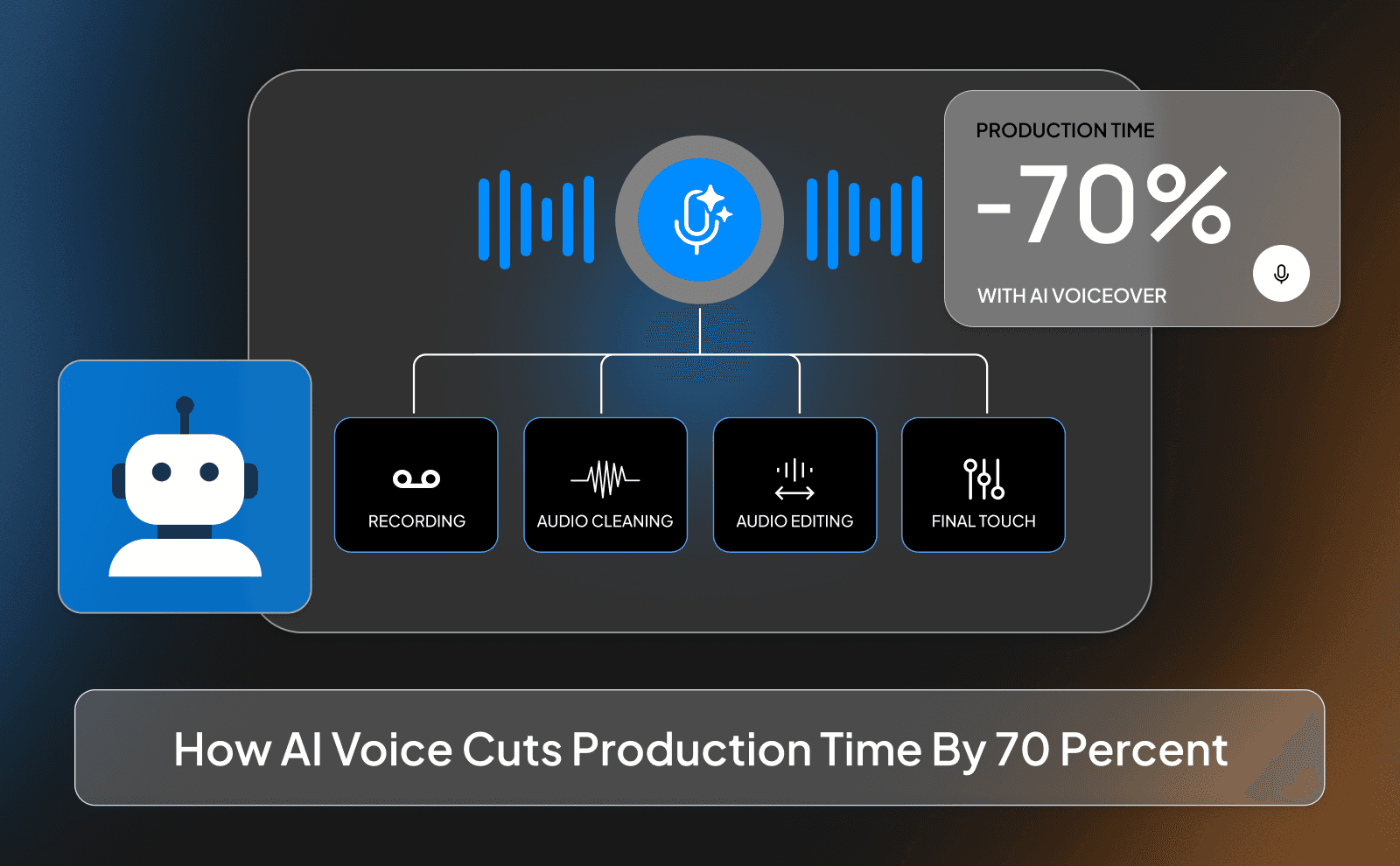
One of the biggest advantages of AI voice is how much time it saves. Recording, re-recording, editing audio, all of that can take hours for a single video. With AI, you can generate clean audio in minutes and move straight to the next step.
This time saving adds up fast. Over a week or a month, you can create way more content than before. That extra output gives you more chances to improve, test ideas, and grow your channel faster.
Case Study Of A Faceless Channel Earning With AI Voiceover
There are real cases of faceless channels earning money using AI voiceover by following a simple system. They pick a niche, create consistent content, and improve over time. They don’t overcomplicate things, they focus on what works.
Over time, their videos start getting more views, and once they hit monetization, they turn that into income. AI voice doesn’t guarantee success, but it makes the process easier and faster, which gives creators a better chance of reaching that point.
No Mic YouTube Channel AI Setup That Actually Works
A no-mic setup is now completely possible thanks to AI voice tools. You don’t need to worry about recording quality, background noise, or having the perfect setup. Everything can be done digitally, which makes starting much easier.
This is especially helpful for beginners who don’t want to invest in equipment right away. You can focus on learning how YouTube works and improving your content instead of stressing over technical details.
What You Need To Start With Zero Equipment?
Starting with zero equipment is more realistic than ever. All you really need is a laptop, internet, and access to the right tools. Everything else: voice, visuals, editing, can be handled by software.
This lowers the risk a lot. You don’t need to spend money upfront to test your ideas. You can start small, see what works, and then invest more once you start seeing results.
Workflow From Idea To Published Video
The workflow for a faceless AI channel is simple once you understand it. You come up with an idea, turn it into a script, generate a voiceover, add visuals, and publish. That’s the core loop you repeat.
The more you repeat this process, the faster and better you get. Over time, you’ll find ways to improve each step and make everything more efficient. That’s how you build momentum and grow consistently.
Free And Paid Tools You Can Use Today
There are plenty of tools you can use right now, both free and paid. Free tools are great for testing and learning how everything works without spending money.
As you grow, paid tools like ElevenLabs and VidRush give you better quality and more features. The best approach is to start simple and upgrade when you’re ready, so you don’t overwhelm yourself at the beginning.
Conclusion
At the end of the day, faceless YouTube with AI voice isn’t some complicated strategy, it’s just a smarter way to create content. You remove the things that slow you down like recording, setup, and overthinking, and focus on what actually matters: ideas, consistency, and keeping people watching. That’s why more creators are moving in this direction.
FAQs
What Is The Best AI Voice For Faceless Channel Growth
ElevenLabs is one of the best for natural sounding voices that keep people watching.
Can You Monetize A Faceless YouTube Channel With AI Voiceover
Yes, as long as your content follows YouTube rules and adds value, you can monetize it.
How Do You Automate YouTube Voiceover Without Sounding Robotic
Use high-quality tools like ElevenLabs or VidRush and adjust tone, speed, and pacing.
Do Faceless Channels With AI Narrator Get Views
Yes, many faceless channels get millions of views if the content is worthy of watching.
What Tools Help Scale Faceless YouTube With AI Voice
Tools like ElevenLabs for voice and VidRush for full video workflow help a lot.
How Long Does It Take To Grow No Mic YouTube Channel Using AI
It depends, but with consistency, you can start seeing growth in a few months.
Is AI Voiceover For Faceless Videos Allowed By YouTube
Yes, AI voice is allowed as long as your content is original and follows guidelines.
Which Niche Works Best For Faceless Video Production With AI
Storytelling, motivation, finance, history, and tutorials work very well.
How Does VidRush Help Creators Build And Grow A Faceless YouTube Channel
VidRush helps you create, voice, and edit videos faster so you can post more consistently and scale.
Create engaging videos with AI voiceover for faceless YouTube channel and grow views faster while staying consistent and professional.